Devops-capstone-project-2
Name: Nishant Gupta
Email: ngofficial99@gmail.com
LinkedIn: https://www.linkedin.com/in/nishant-gupta-878a25280/
You are hired as a DevOps engineer for Analytics Pvt Ltd. This company is a product based organization which uses Docker for their containerization needs within the company. The final product received a lot of traction in the first few weeks of launch. Now with the increasing demand, the organization needs to have a platform for automating deployment, scaling, and operations of application containers across clusters of hosts, As a DevOps engineer, you need implement a DevOps life cycle, such that all the requirements are implemented without any change in the Docker containers in the testing environment.
Up until now, this organization used to follow a monolithic architecture with just 2 developers. The product is present on https://github.com/NishantGupta99/Jenkins-capstone-repo
Following are the specifications of life-cycle:
-
Git workflow should be implemented. Since the company follows monolithic architecture of Development you need to take care of version control. The release should happen only on 25th of every month.
-
Code build should be triggered once the commits are made in the master Branch.
-
The code should be containerized with the help of the Docker file, The Dockerfile should be built every time if there is a push to Git-Hub. Create a custom Docker image using a Dockerfile.
-
As per the requirement in the production server, you need to use the Kubernetes cluster and the containerized code from Docker hub should be deployed with 2 replicas. Create a NodePort service and configure the same for port 30008.
-
Create a Jenkins pipeline script to accomplish the above task.
-
For configuration management of the infrastructure, you need to deploy the configuration on the servers to install necessary software and configurations.
-
Using Terraform accomplish the task of infrastructure creation in the AWS cloud provider.
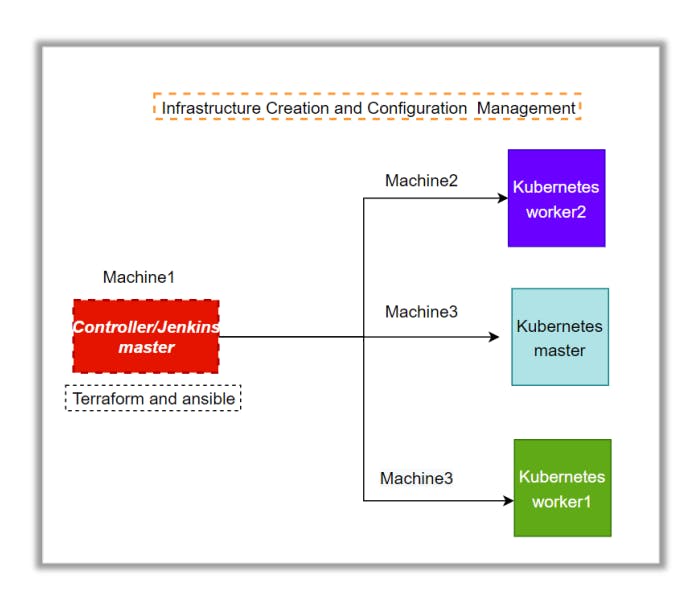
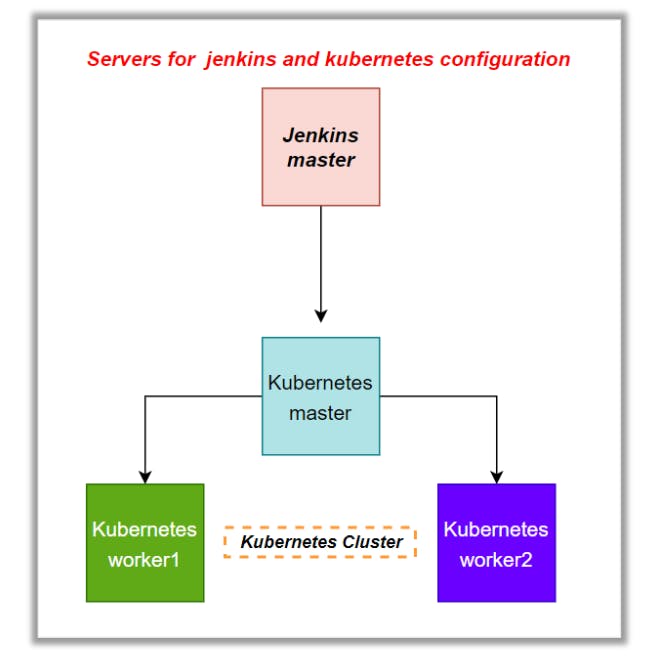
Architectural Advice Software’s to be installed on the respective machines using configuration management.
-
Worker1: Jenkins, Java.
-
Worker2: Docker, Kubernetes.
-
Worker3: Java, Docker, Kubernetes
-
Worker4: Docker, Kubernetes.
Solution:
-
We will create a Ec2 instance which will act as the Controller instance.
-
Login to AWS and create a Ubuntu instance.
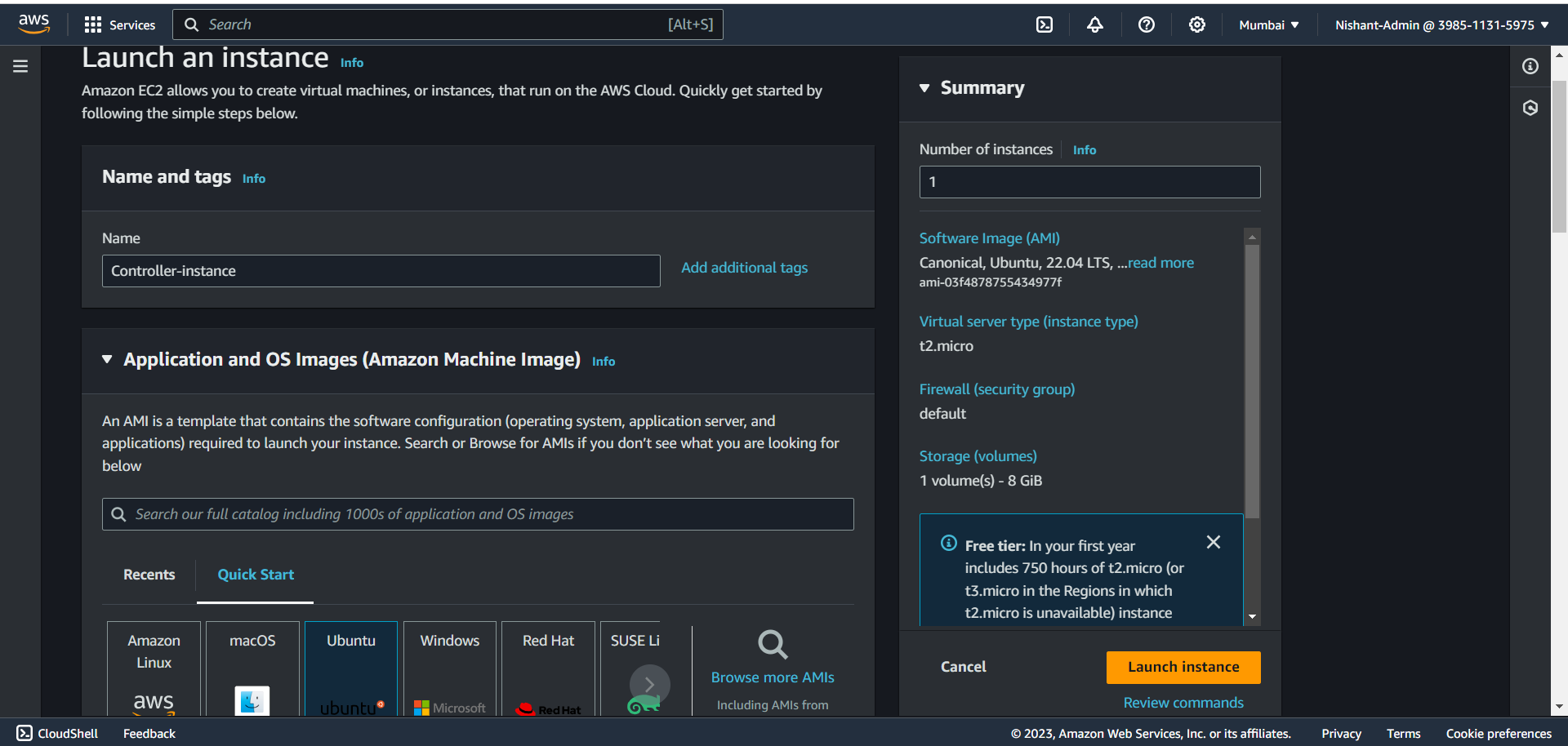
- Create and logon to this instance inside this we will be installing terraform.
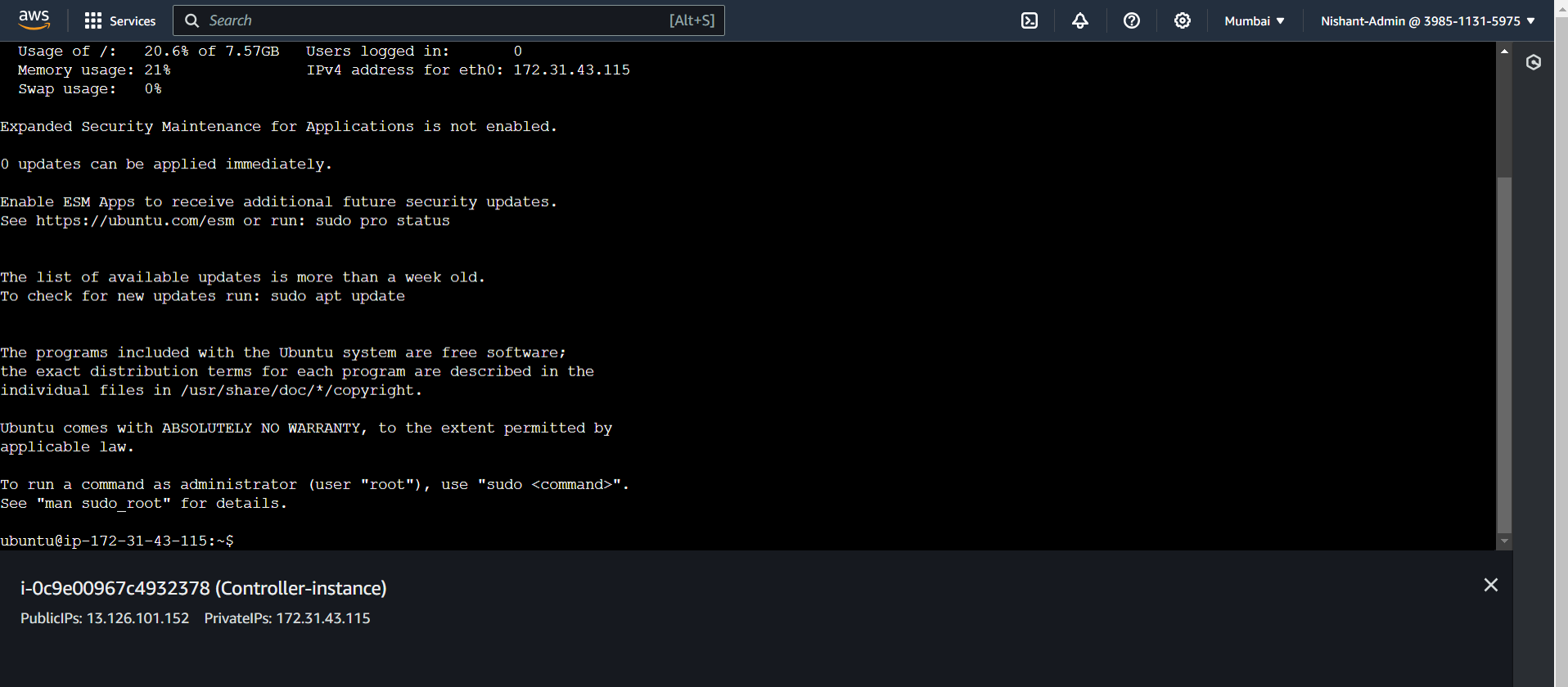
- Run the following command to create a Terraform script file.
sudo su
apt-get update -y
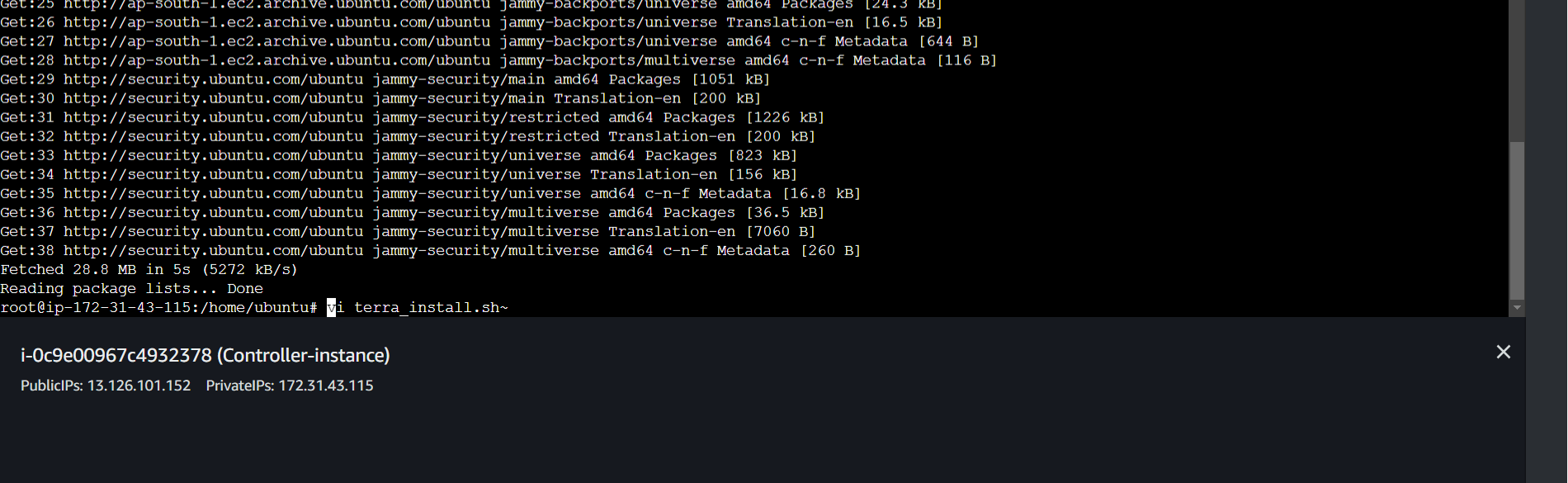
#Now we will install terraform create the terra_install bash file and run it
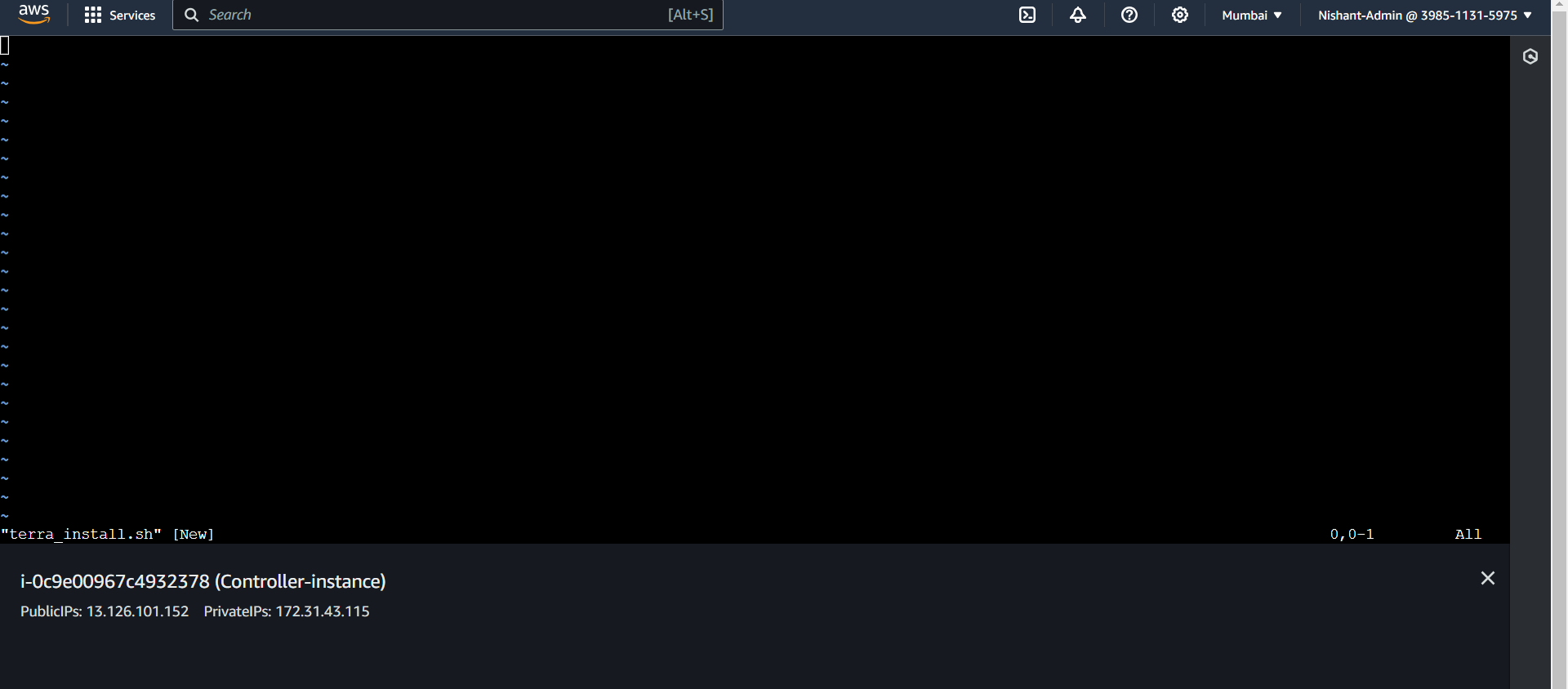
vi terra_install.sh
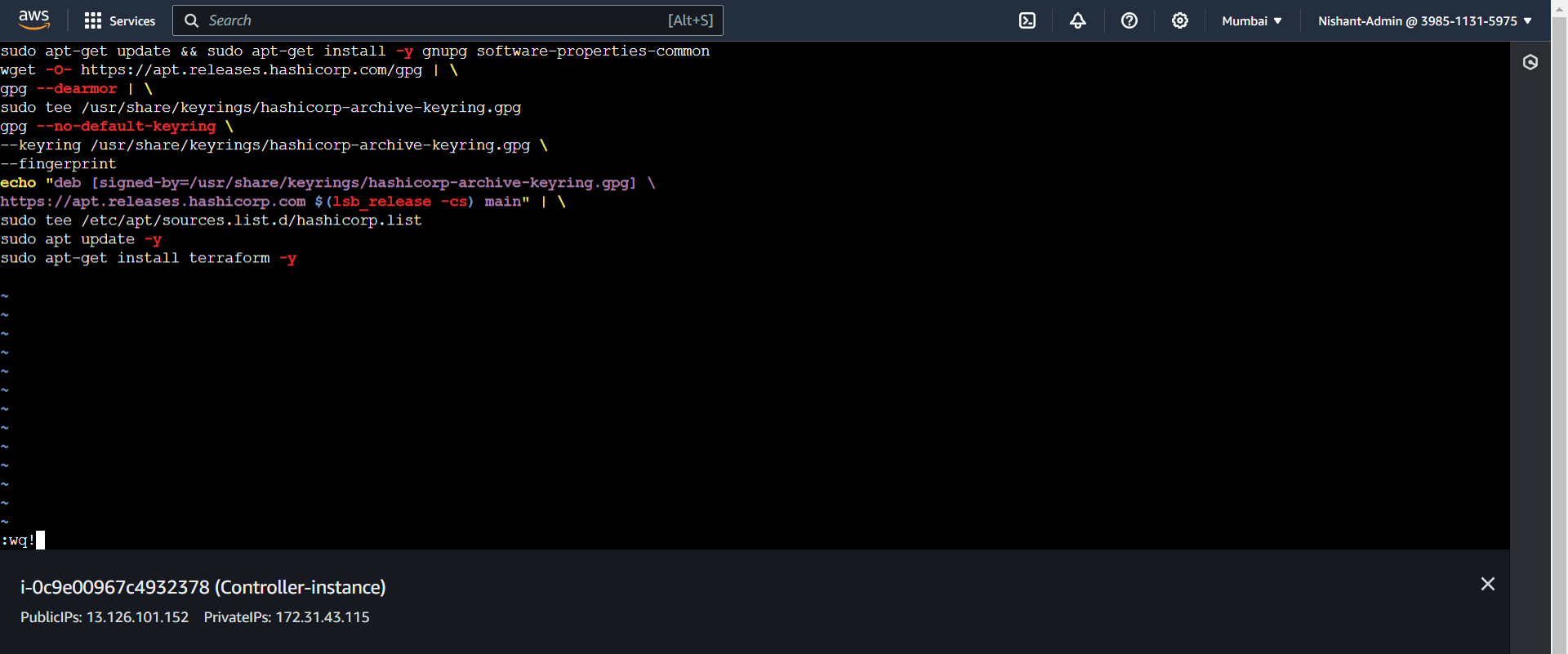
- Add the following script.
sudo apt-get update && sudo apt-get install -y gnupg software-properties-common
wget -O- https://apt.releases.hashicorp.com/gpg | \
gpg --dearmor | \
sudo tee /usr/share/keyrings/hashicorp-archive-keyring.gpg
gpg --no-default-keyring \
--keyring /usr/share/keyrings/hashicorp-archive-keyring.gpg \
--fingerprint
echo "deb [signed-by=/usr/share/keyrings/hashicorp-archive-keyring.gpg] \
https://apt.releases.hashicorp.com $(lsb_release -cs) main" | \
sudo tee /etc/apt/sources.list.d/hashicorp.list
sudo apt update -y
sudo apt-get install terraform -y
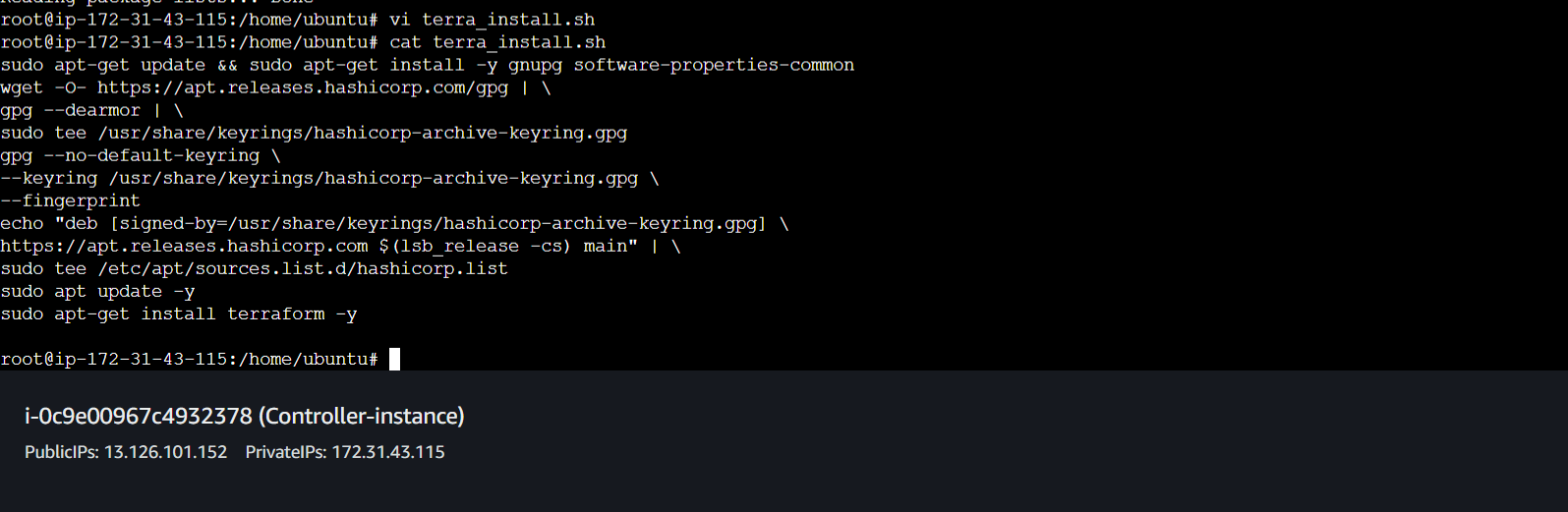
- We will run this file to install terraform.

- Let's wait for this to install.

-
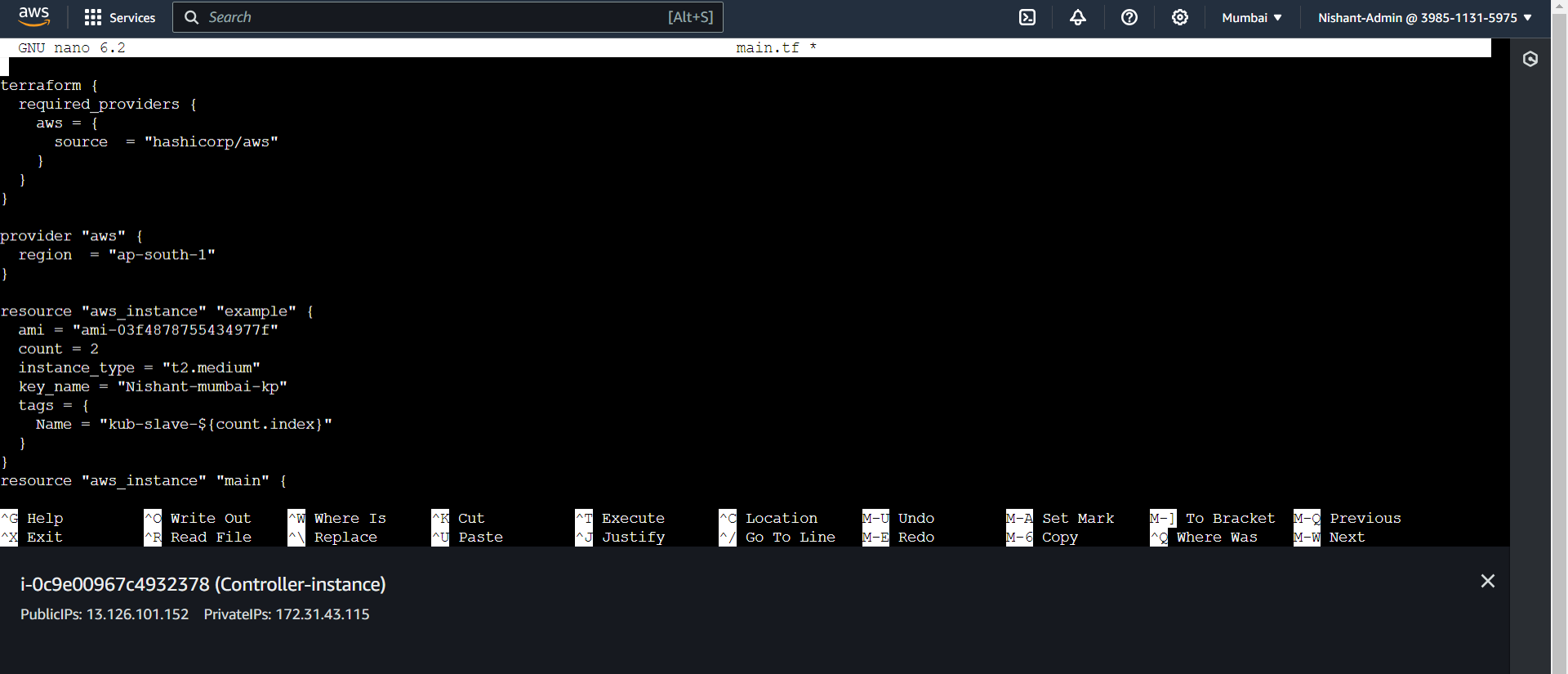
Now we will write a tf file to generate the ec2 machines for our k8s master and slaves.
- Sudo nano main.tf
terraform {
required_providers {
aws = {
source = "hashicorp/aws"
}
}
}
provider "aws" {
region = "ap-south-1"
}
resource "aws_instance" "example" {
ami = "ami-03f4878755434977f"
count = 2
instance_type = "t2.medium"
key_name = "Nishant-mumbai-kp"
tags = {
Name = "kub-slave-${count.index}"
}
}
resource "aws_instance" "main" {
ami = "ami-03f4878755434977f"
count = 1
instance_type = "t2.medium"
key_name = "Nishant-mumbai-kp"
tags = {
Name = "kub1-master"
}
}
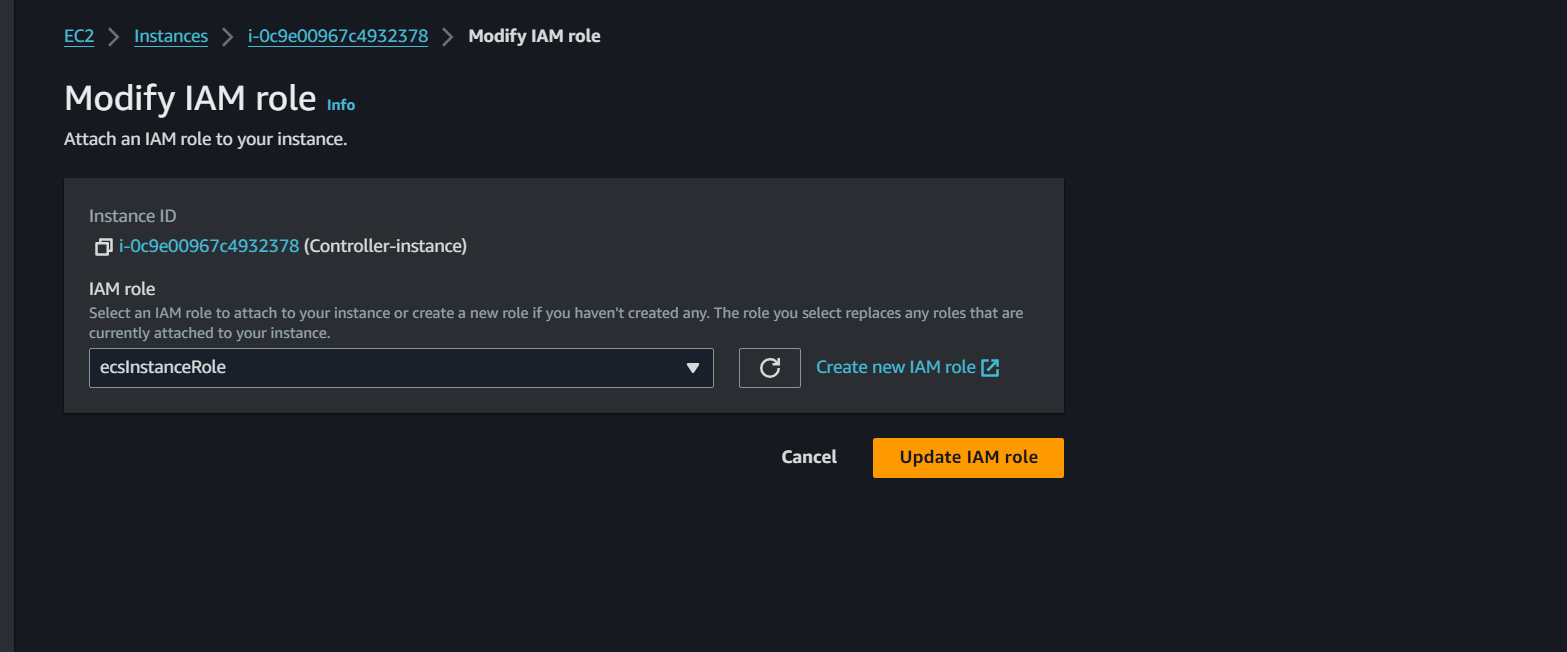
- We will attach a role to the controller ec2 instance with the permission of power user.
- Now we can run the main.tf file by running these commands.
terraform init
terraform validate
terraform plan
terraform apply
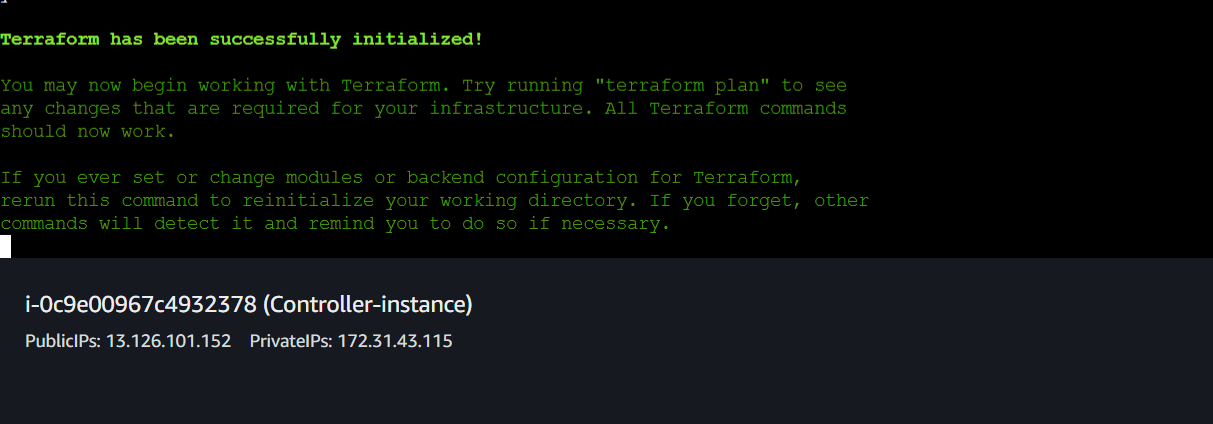


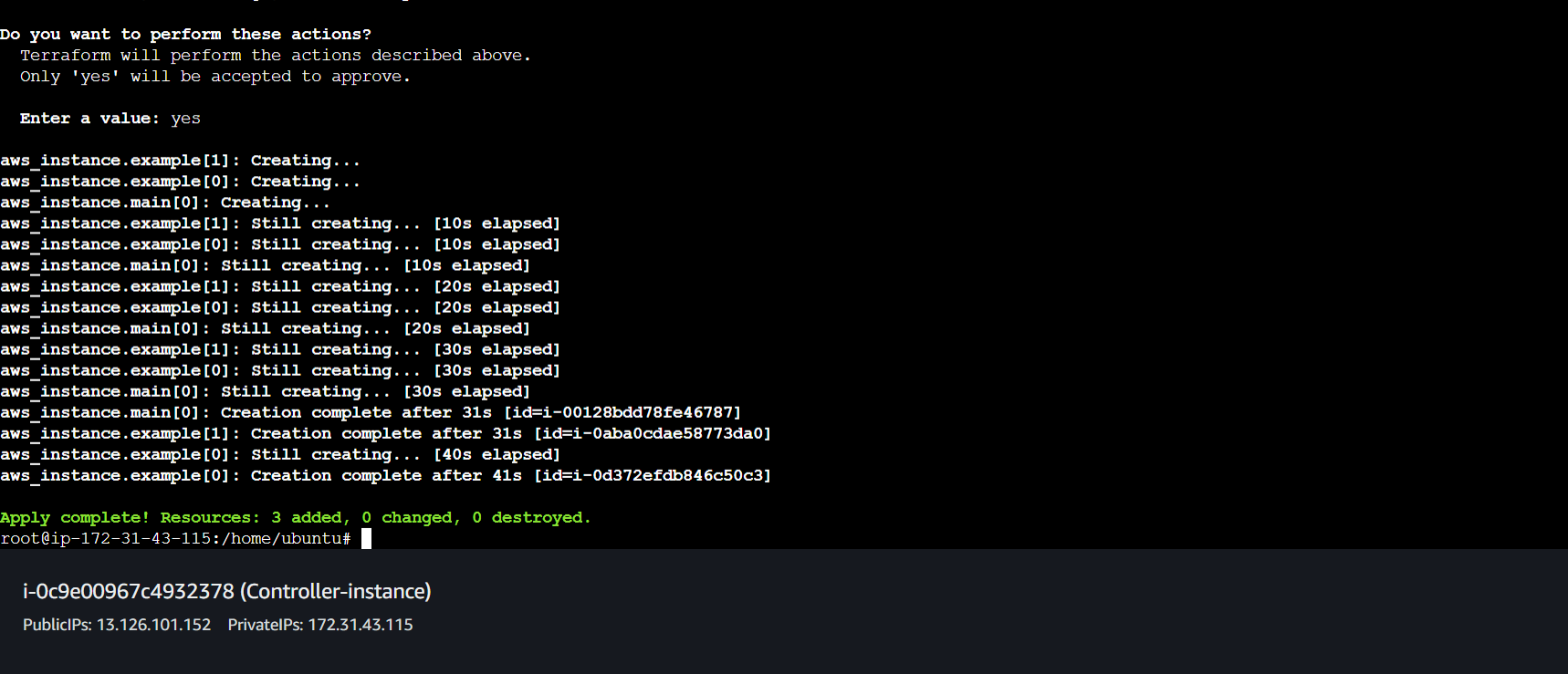
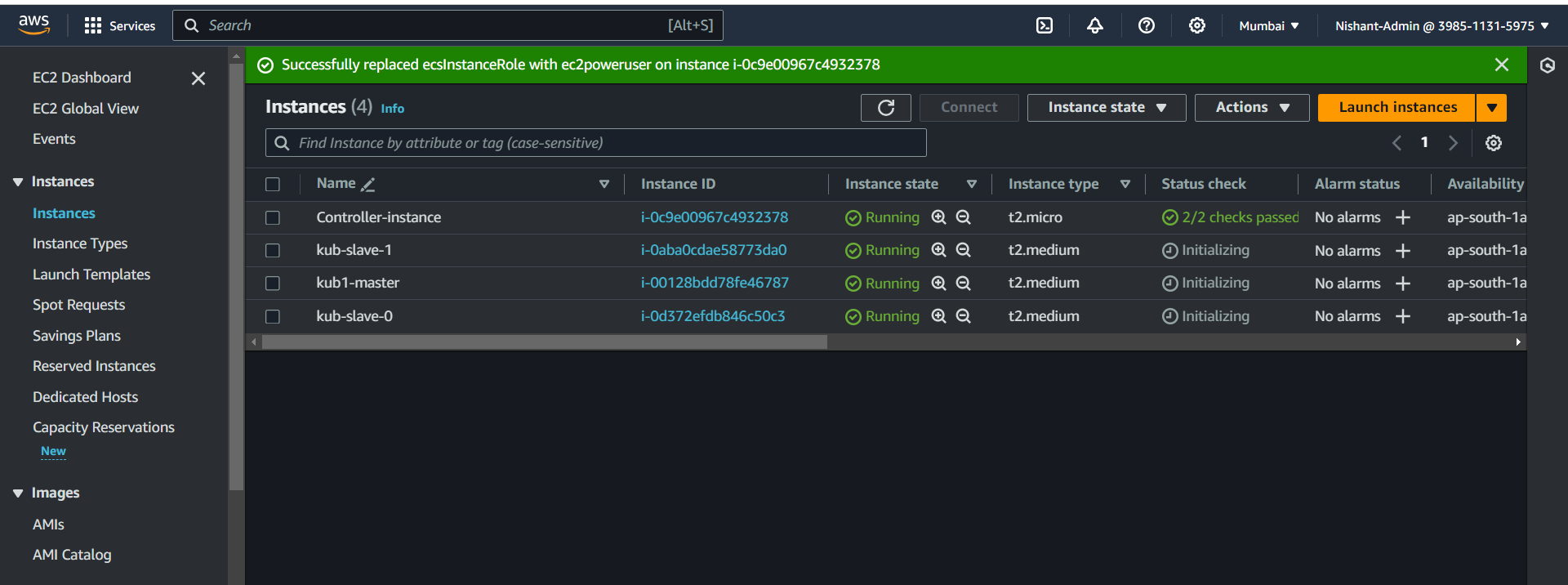
- Our instances have been created.
-
Now we will be installing kubernetes in the master and the slave instances.
-
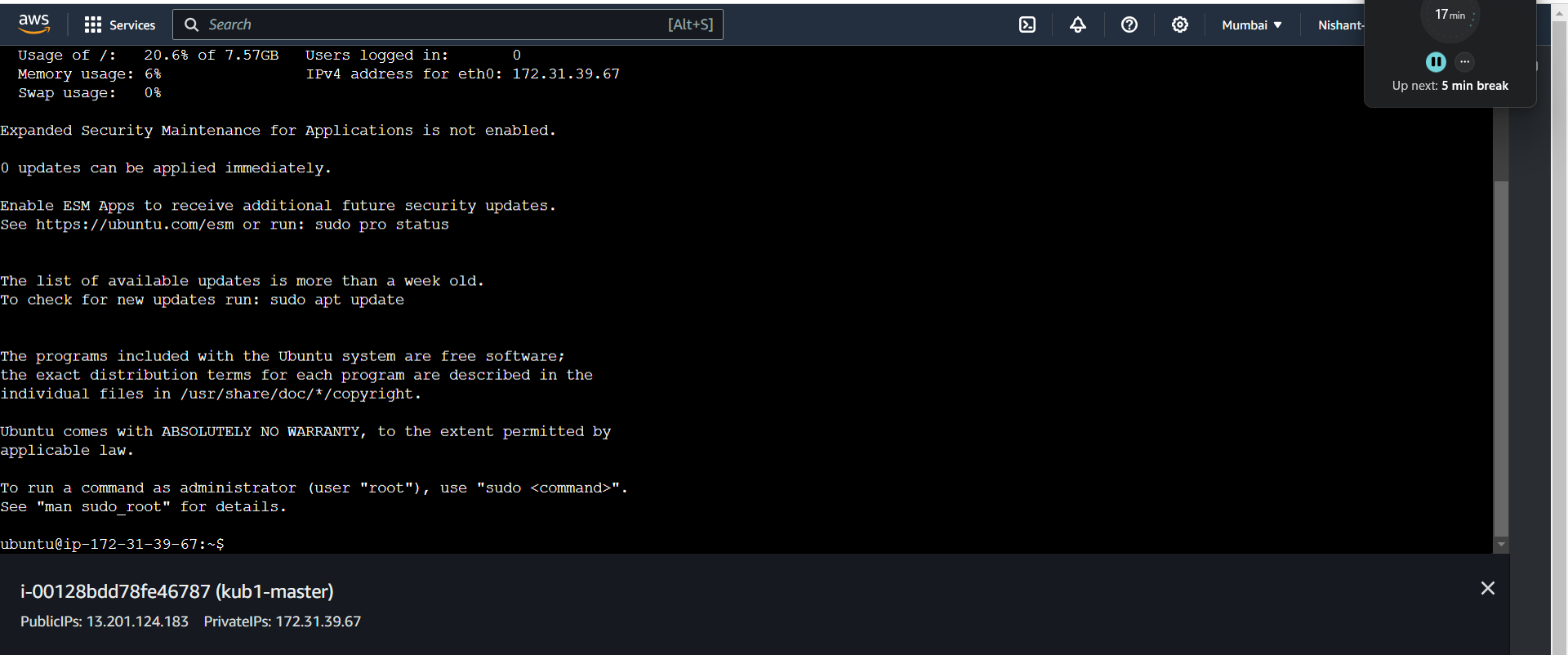
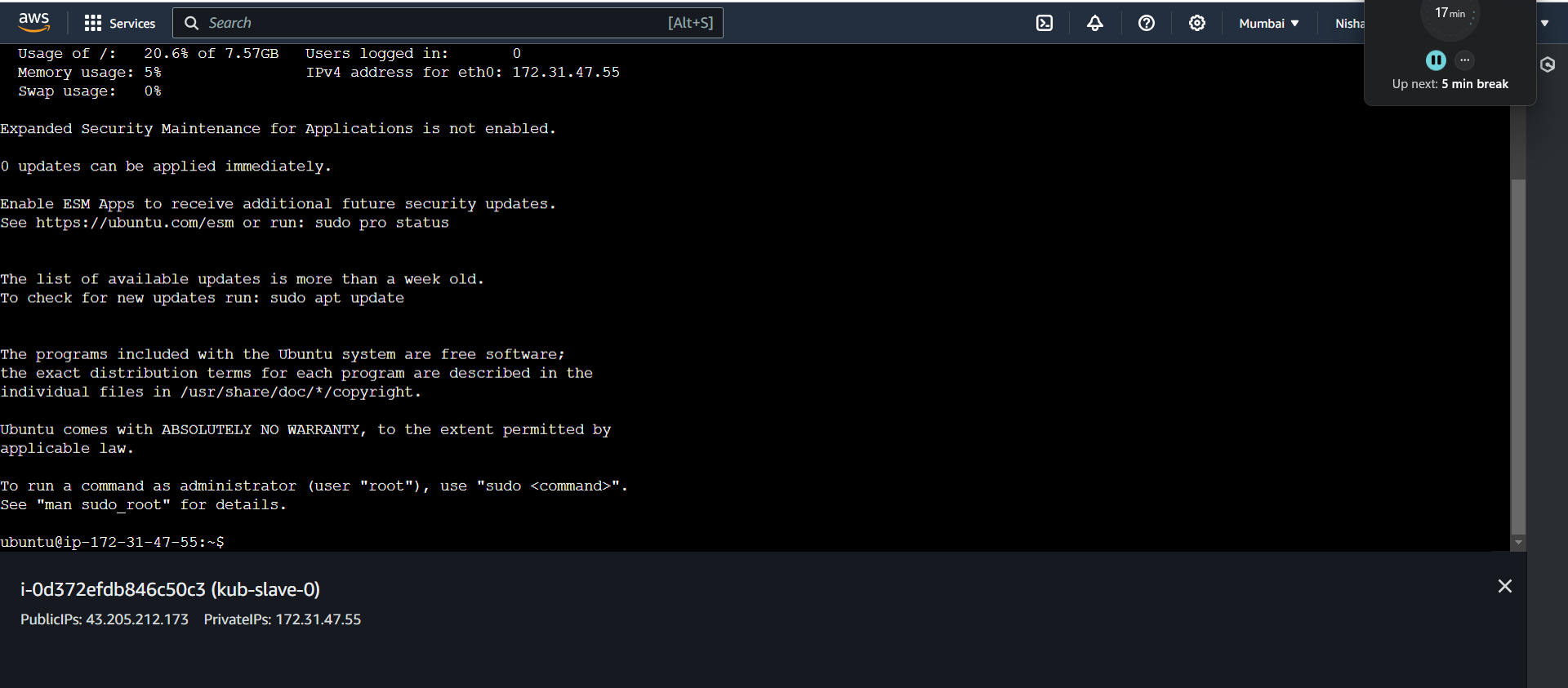
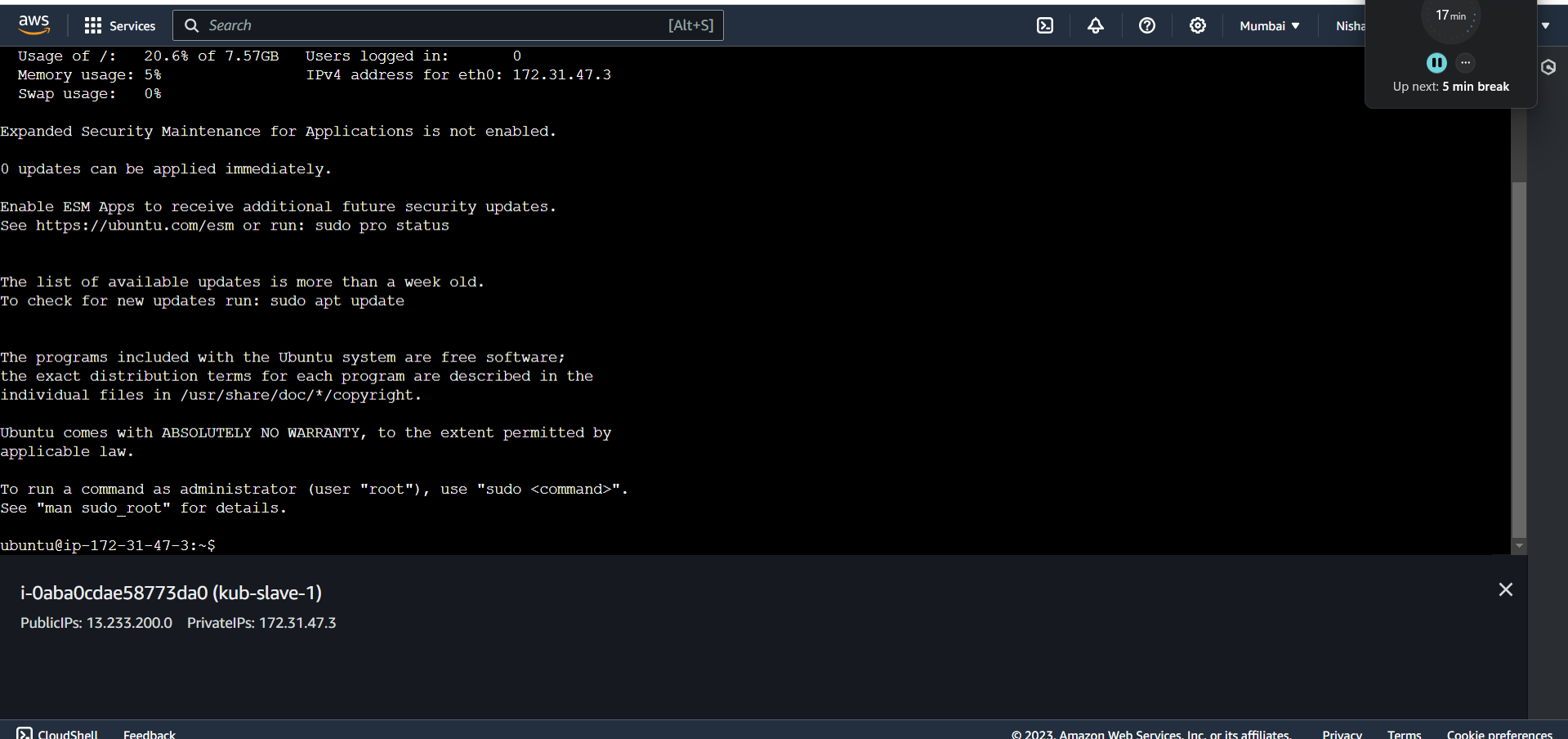
Connect to all 3 instances.
-
We will make the kubectl installation in the all the clusters create a file called kube_install.sh
-
Add the following script.
## Install Docker
sudo apt-get update
sudo wget https://raw.githubusercontent.com/lerndevops/labs/master/scripts/installDocker.sh -P /tmp
sudo chmod 755 /tmp/installDocker.sh
sudo bash /tmp/installDocker.sh
sudo systemctl restart docker.service
## Install CRI-Docker
sudo wget https://raw.githubusercontent.com/lerndevops/labs/master/scripts/installCRIDockerd.sh -P /tmp
sudo chmod 755 /tmp/installCRIDockerd.sh
sudo bash /tmp/installCRIDockerd.sh
sudo systemctl restart cri-docker.service
## Install kubeadm,kubelet,kubectl
sudo wget https://raw.githubusercontent.com/lerndevops/labs/master/scripts/installK8S.sh -P /tmp
sudo chmod 755 /tmp/installK8S.sh
sudo bash /tmp/installK8S.sh
# Validate
docker -v
cri-dockerd --version
kubeadm version -o short
kubelet --version
kubectl version --client
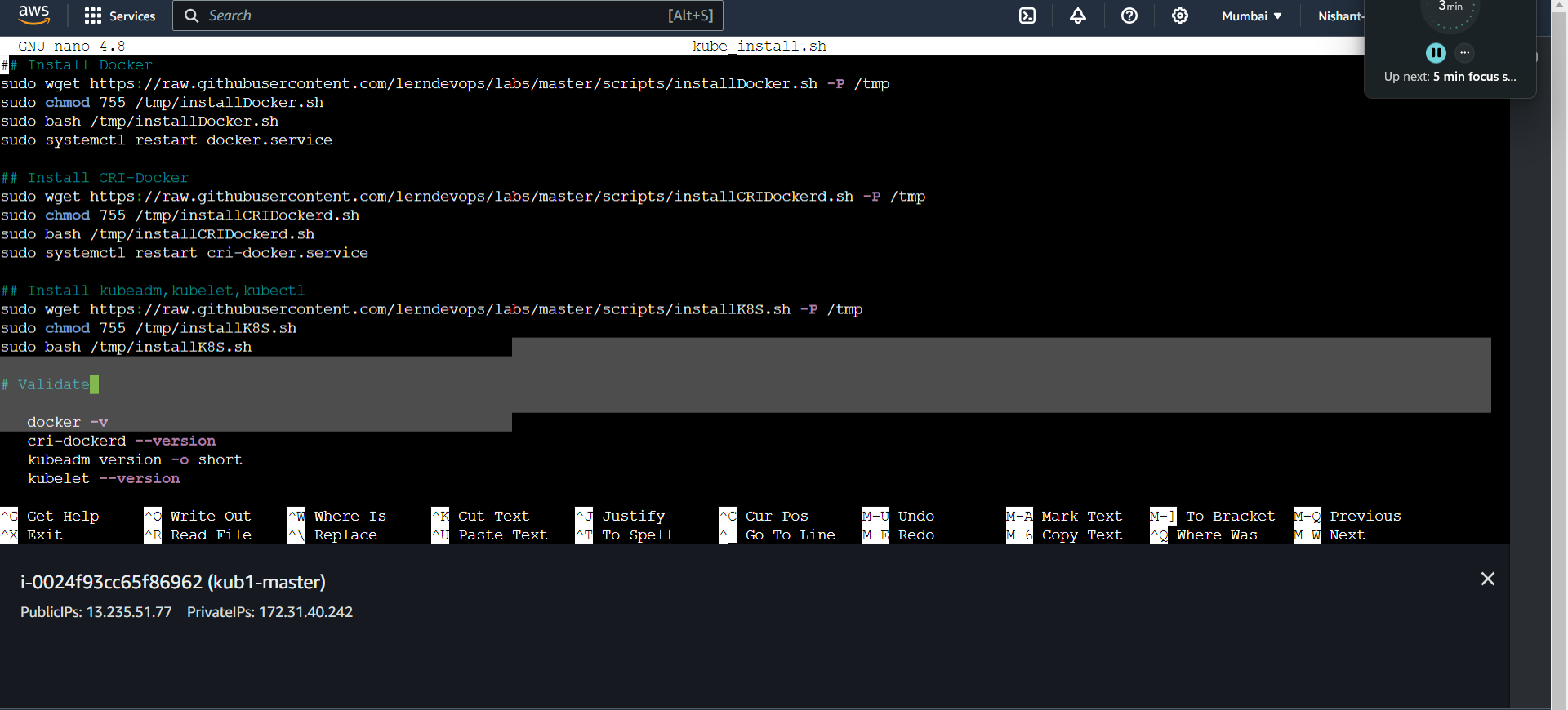

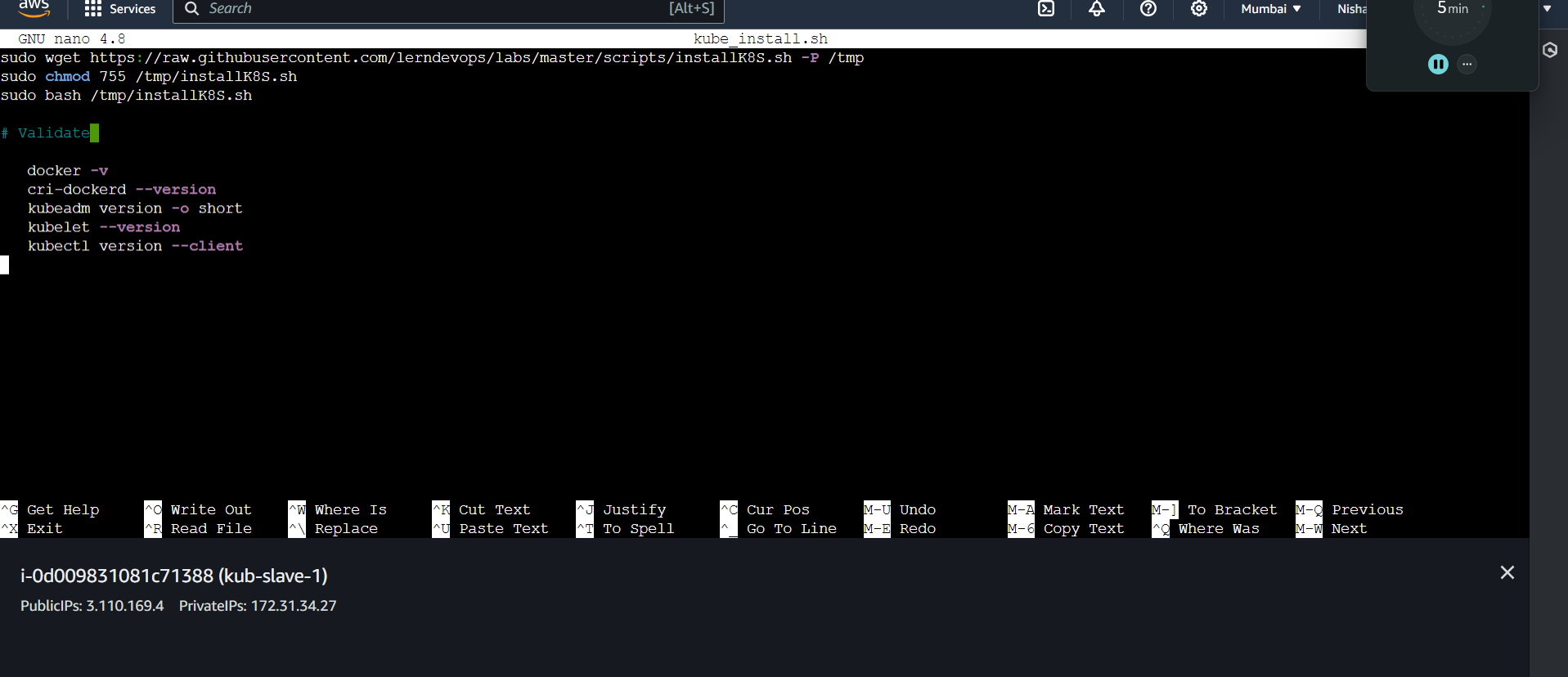
-
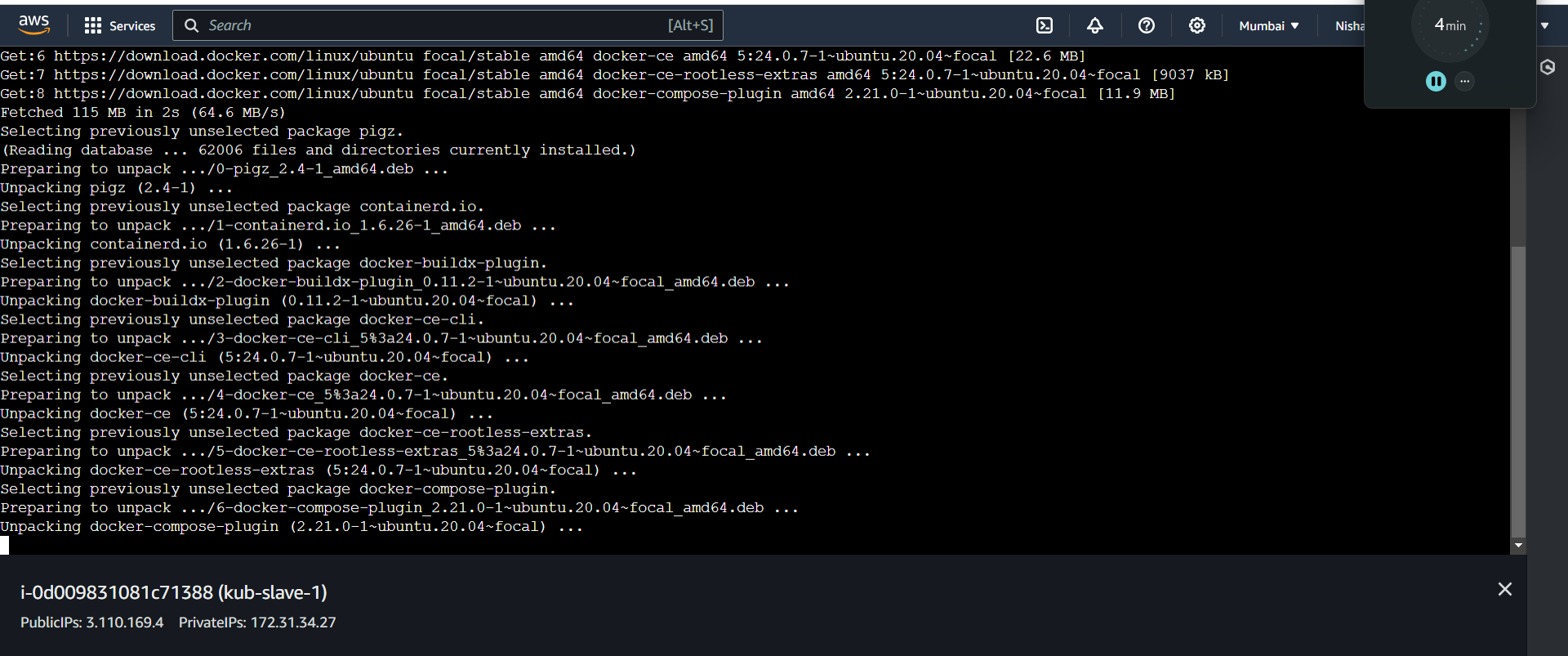
Run the sh file by running in all the nodes.
- Sudo bash kube_install.sh
-
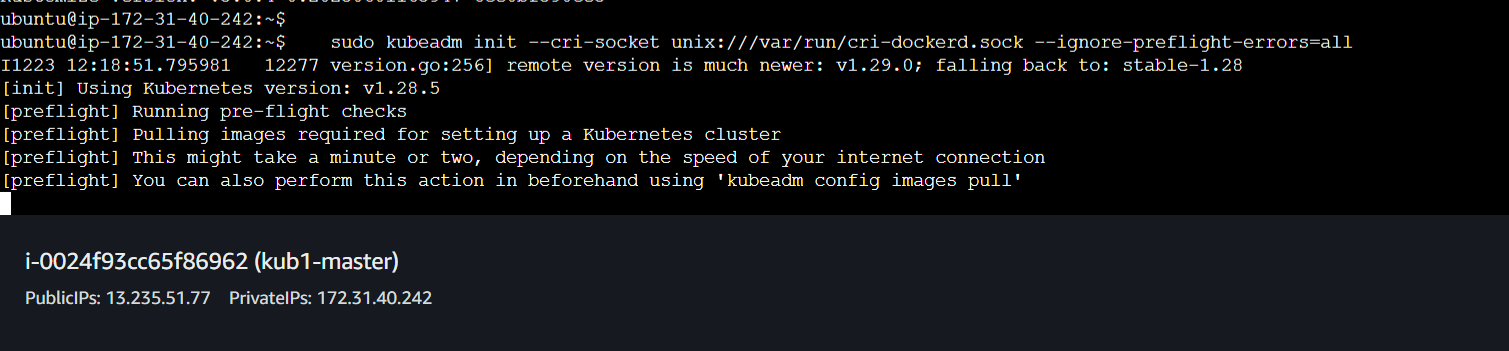
Now we will go inside the master node and initialise the kubernetes master node.
-
Run the following commands inside the master node.
## Initialize kubernetes Master Node
sudo kubeadm init --cri-socket unix:///var/run/cri-dockerd.sock --ignore-preflight-errors=all
sudo mkdir -p $HOME/.kube
sudo cp -i /etc/kubernetes/admin.conf $HOME/.kube/config
sudo chown $(id -u):$(id -g) $HOME/.kube/config
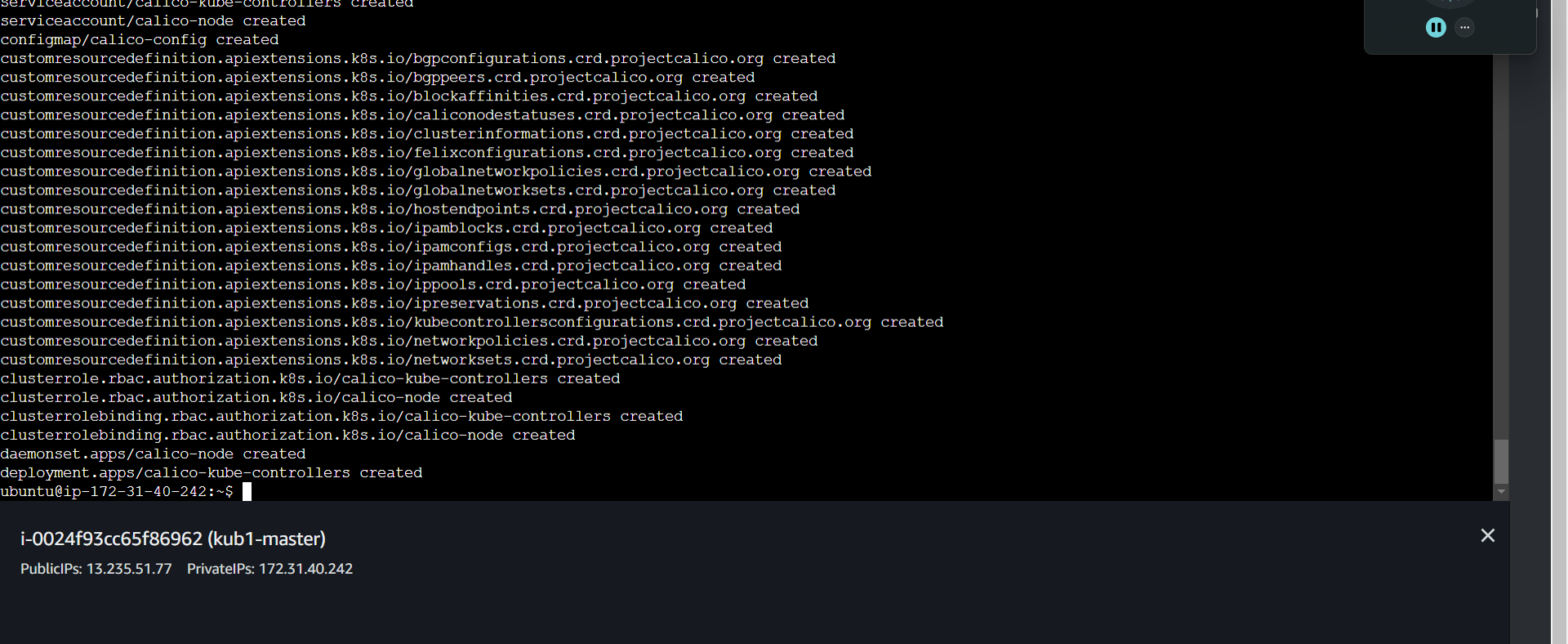
- Now we need to install the network driver Calico.
## below installs calico networking driver
kubectl apply -f https://raw.githubusercontent.com/projectcalico/calico/v3.24.1/manifests/calico.yaml
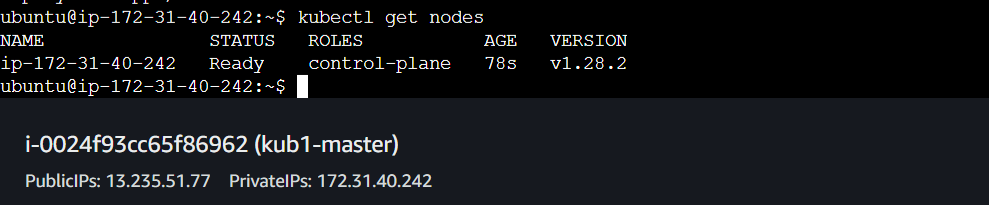
# Validate: kubectl get nodes
-
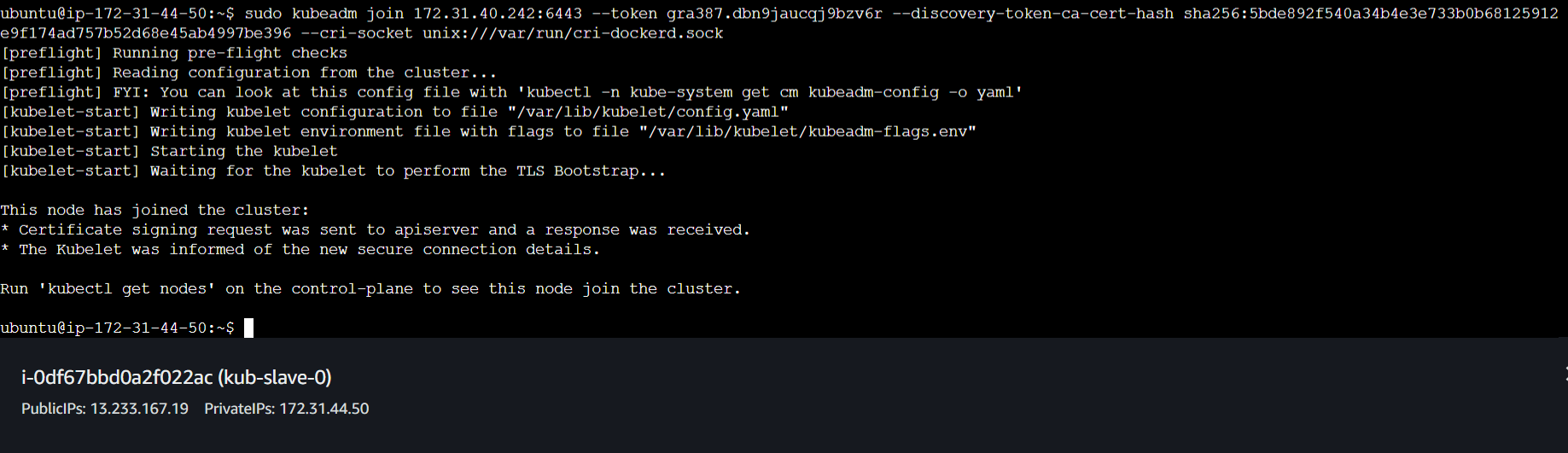
Now to connect the slave nodes to the master node we will generate the token.
-
To generate the token we will run the following command.
- kubeadm token create --print-join-command

- Now we will go to the slave nodes and run this token, so copy this token and open the slave nodes.

- Do the same on the second node.
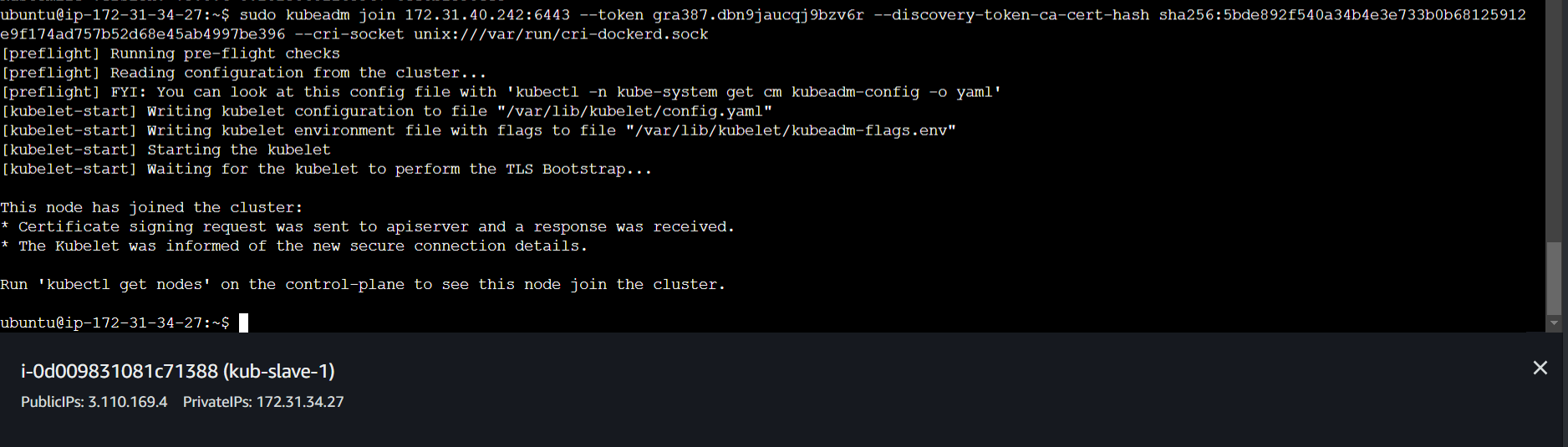
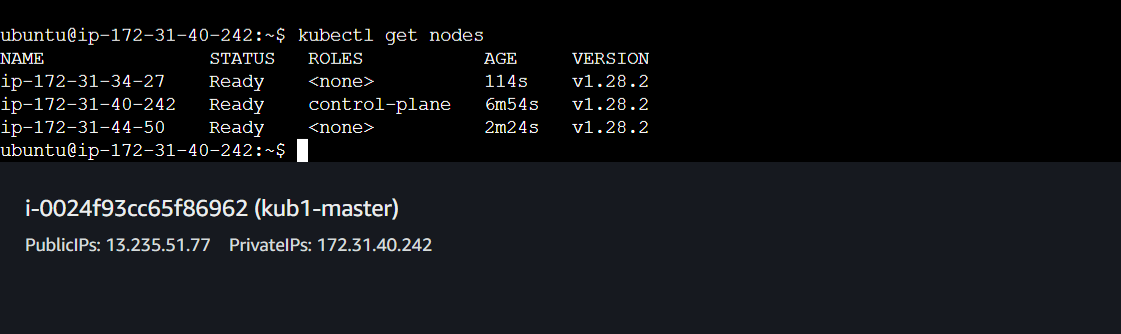
- We can verify that the cluster is set by running kubectl get nodes command in the master branch.
-
Now we need to install Jenkins in the controller.
-
Run the following commands in the controller to install jenkins.
sudo apt-get install openjdk-11-jdk -y
curl -fsSL https://pkg.jenkins.io/debian-stable/jenkins.io-2023.key | sudo tee \
/usr/share/keyrings/jenkins-keyring.asc > /dev/null
echo deb [signed-by=/usr/share/keyrings/jenkins-keyring.asc] \
https://pkg.jenkins.io/debian-stable binary/ | sudo tee \
/etc/apt/sources.list.d/jenkins.list > /dev/null
sudo apt-get update
sudo apt-get install jenkins -y
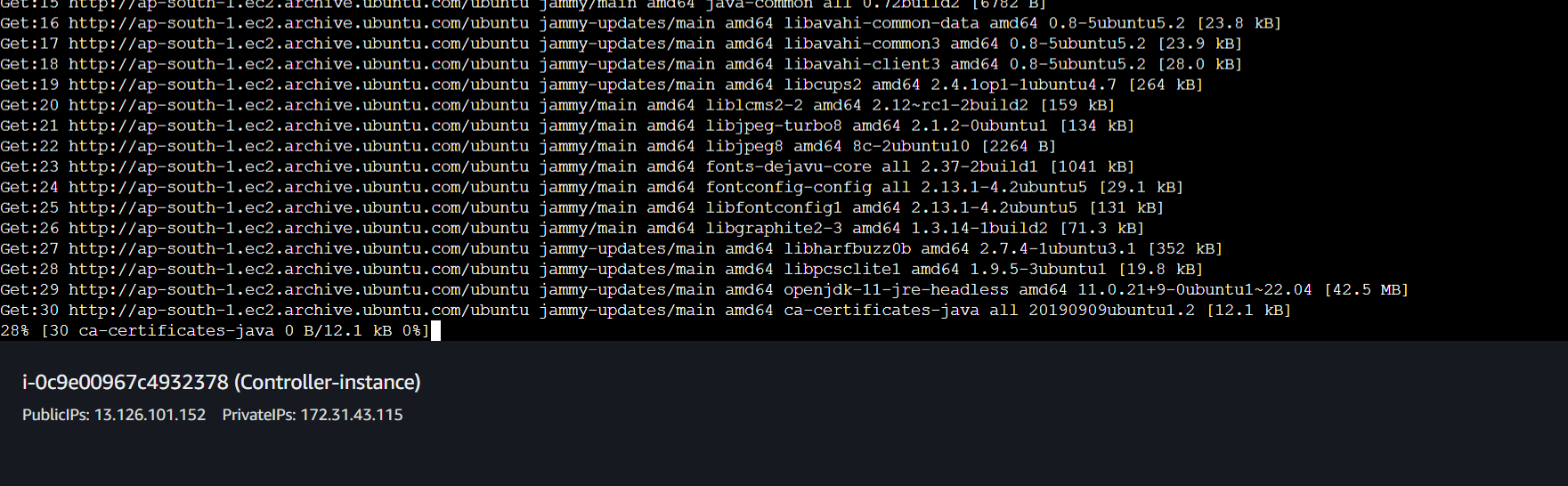
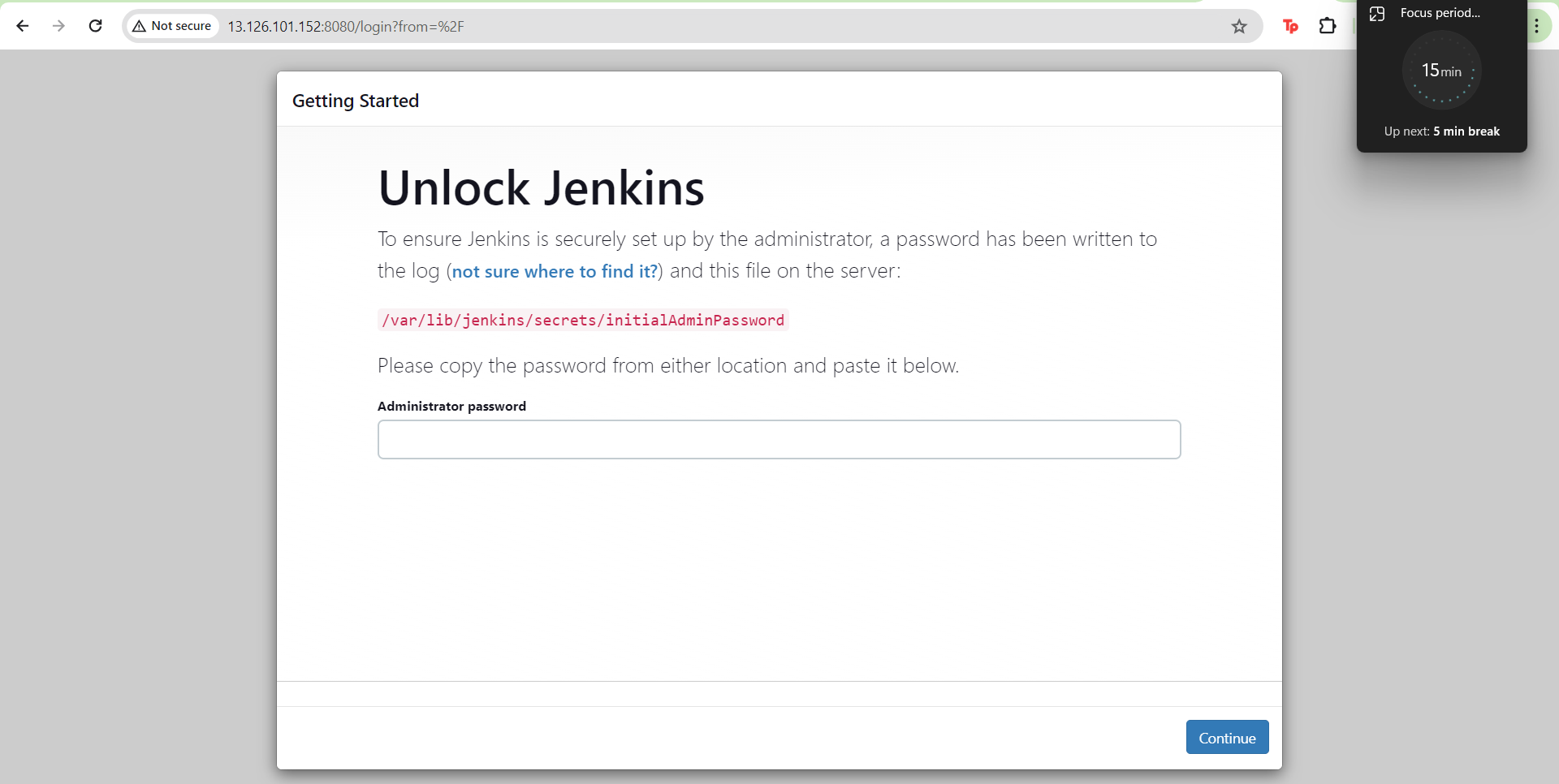
- After Jenkins is installed we will open Jenkins using the public port.
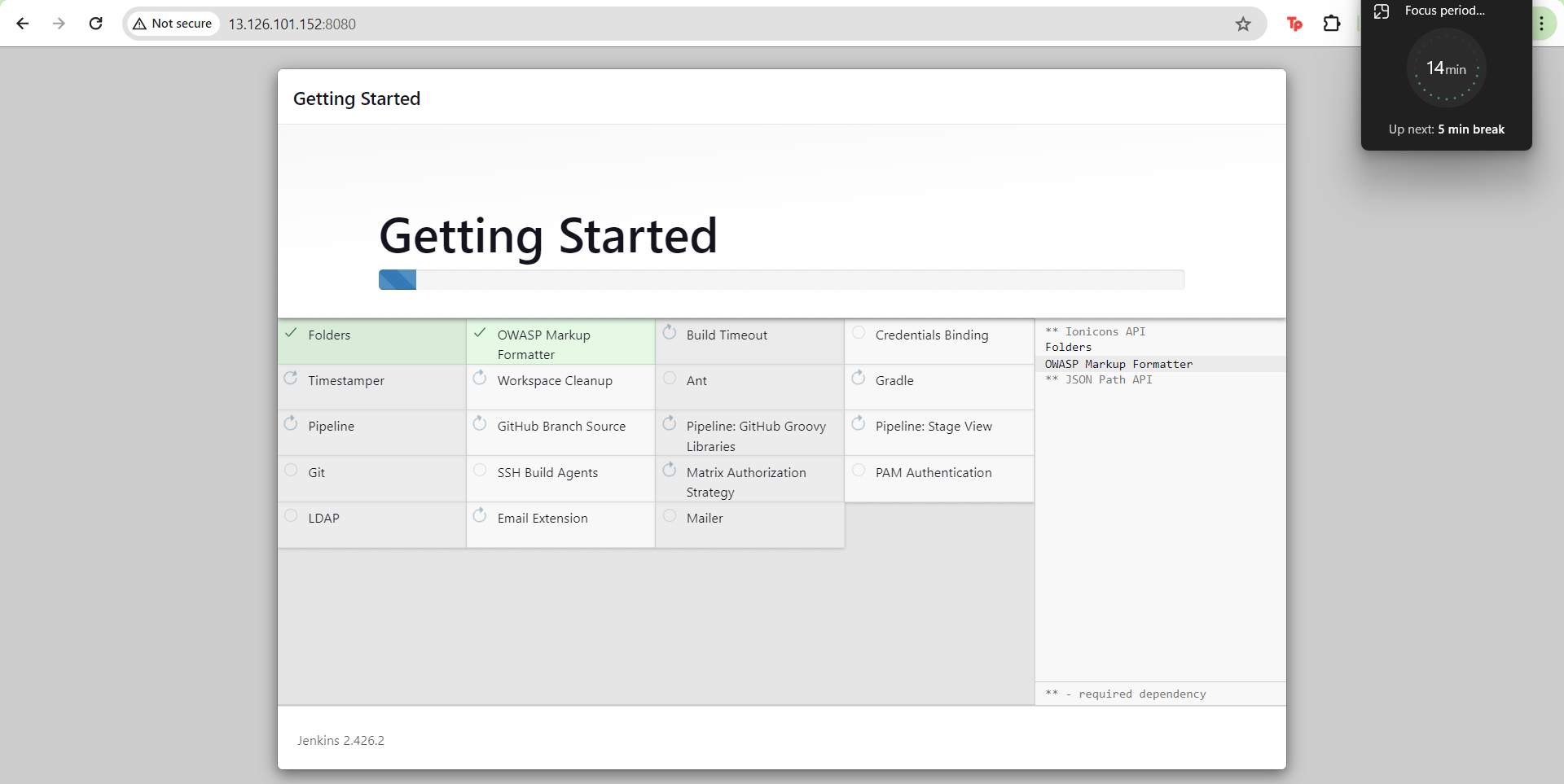
- Setup Jenkins

- Install the suggested plugins.
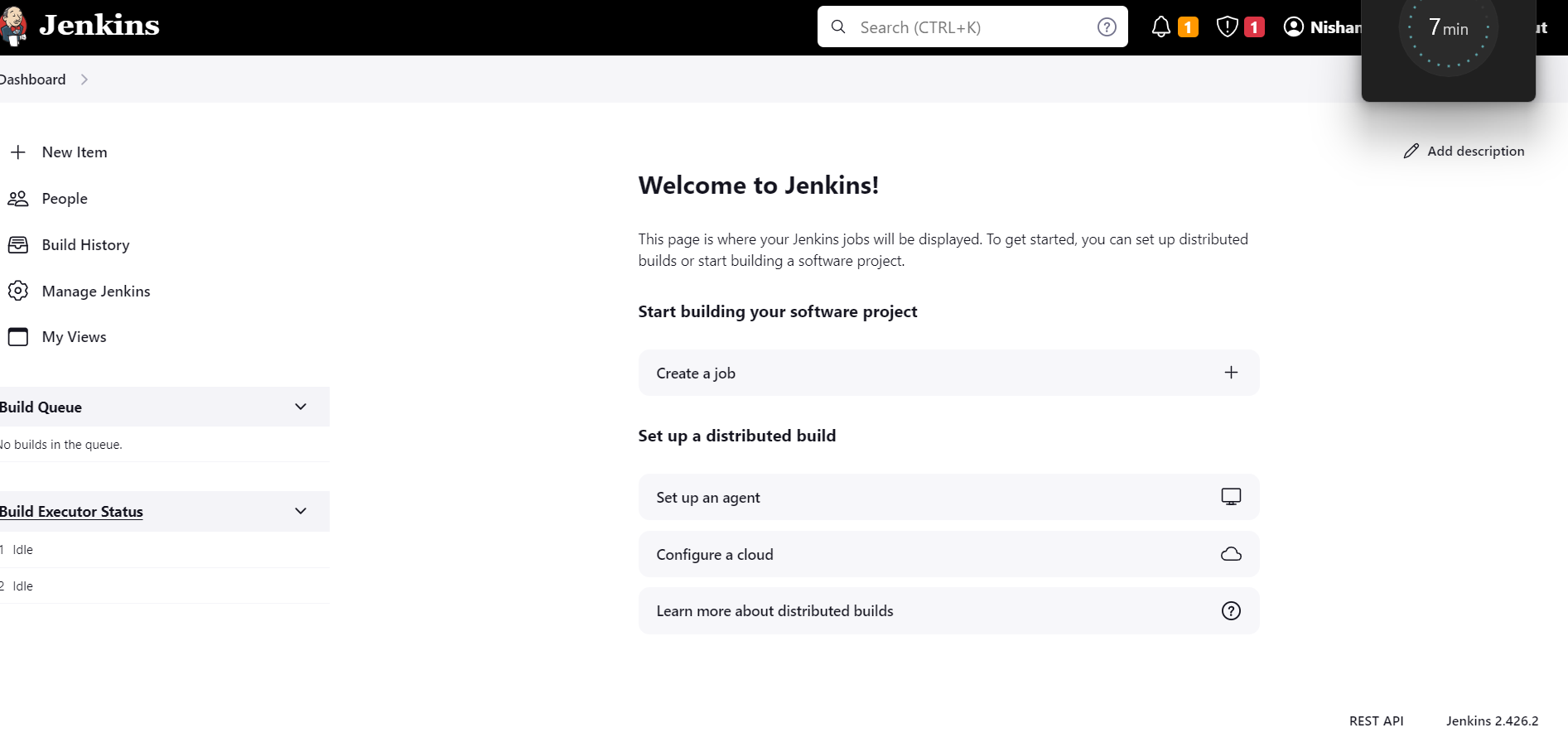
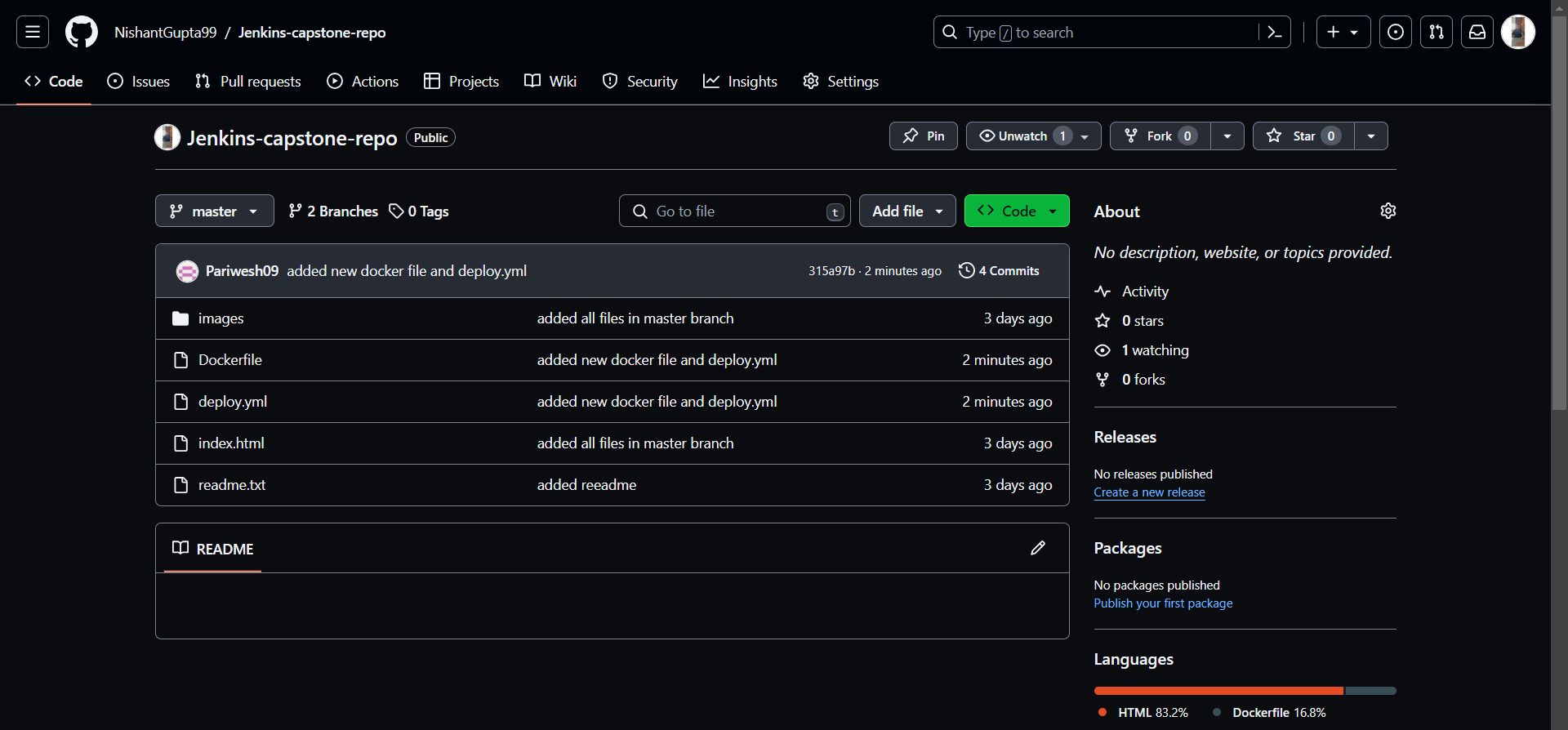
- Before we proceed ahead make sure that your Gitwork flow is ready with the Dockerfile is ready.
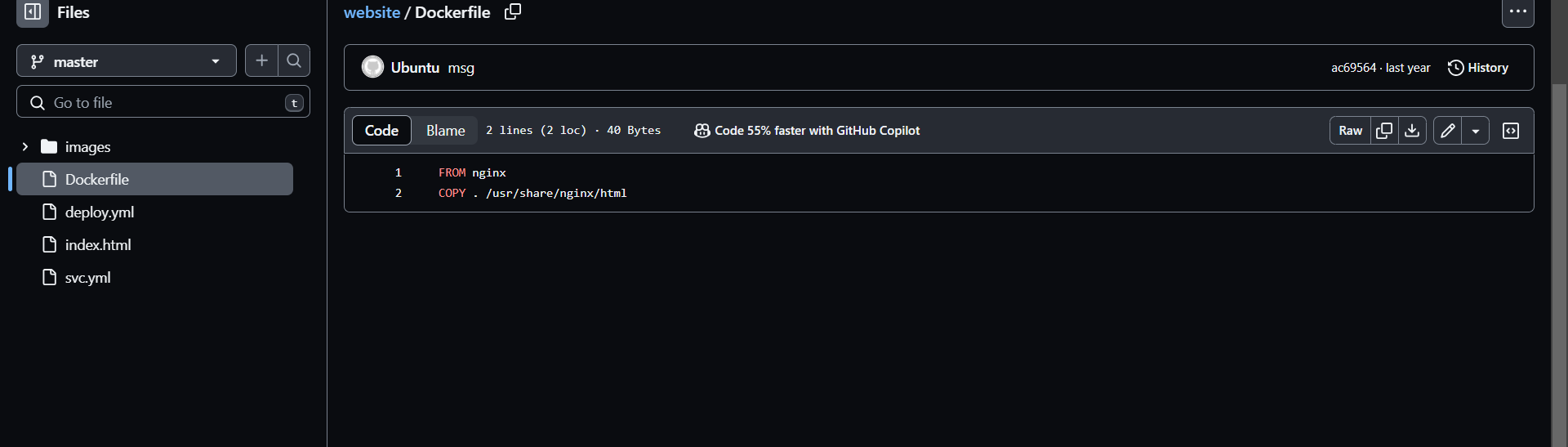
- And the docker file will be as follows.
- Now We will create a pipeline project.
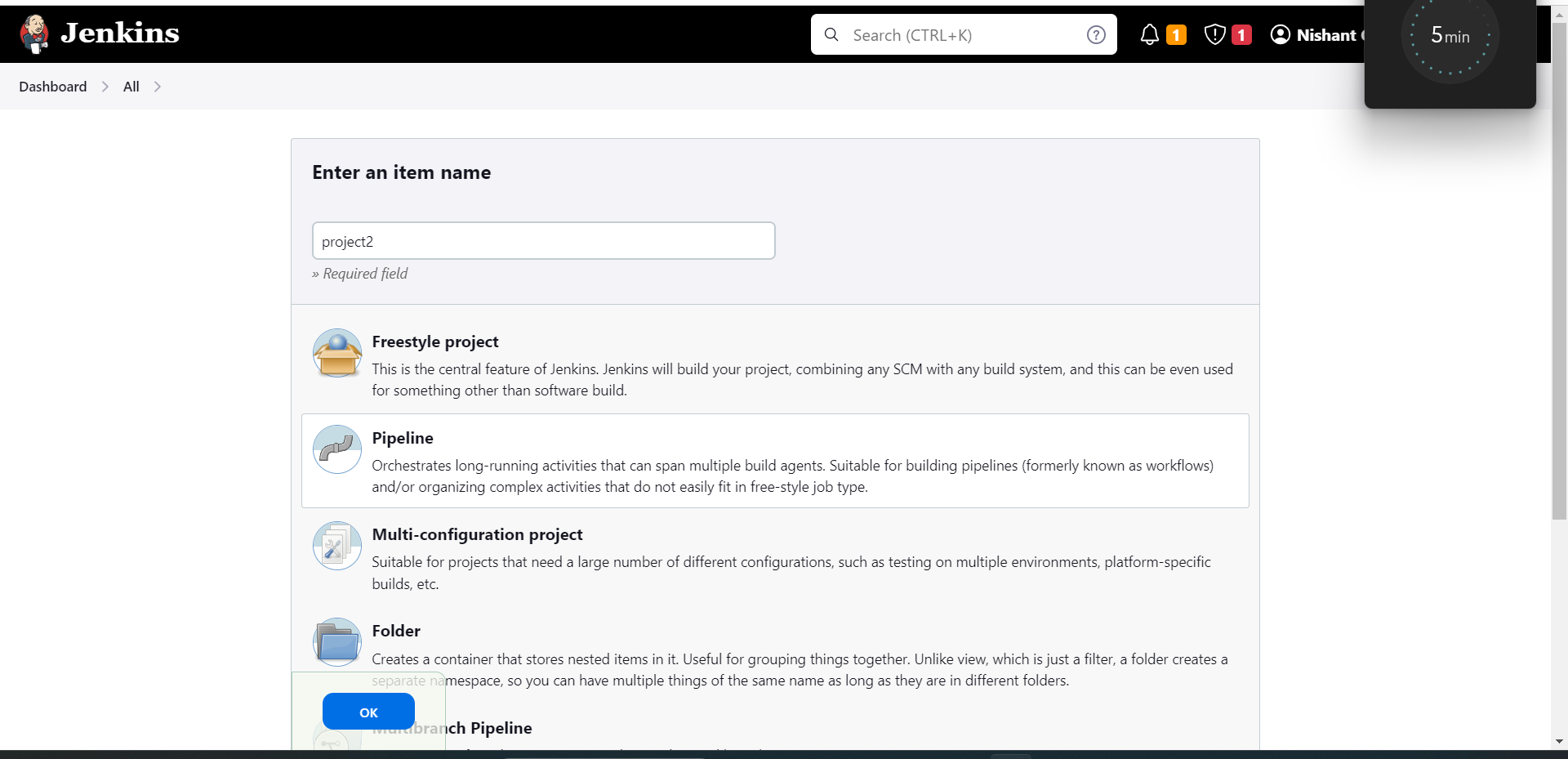
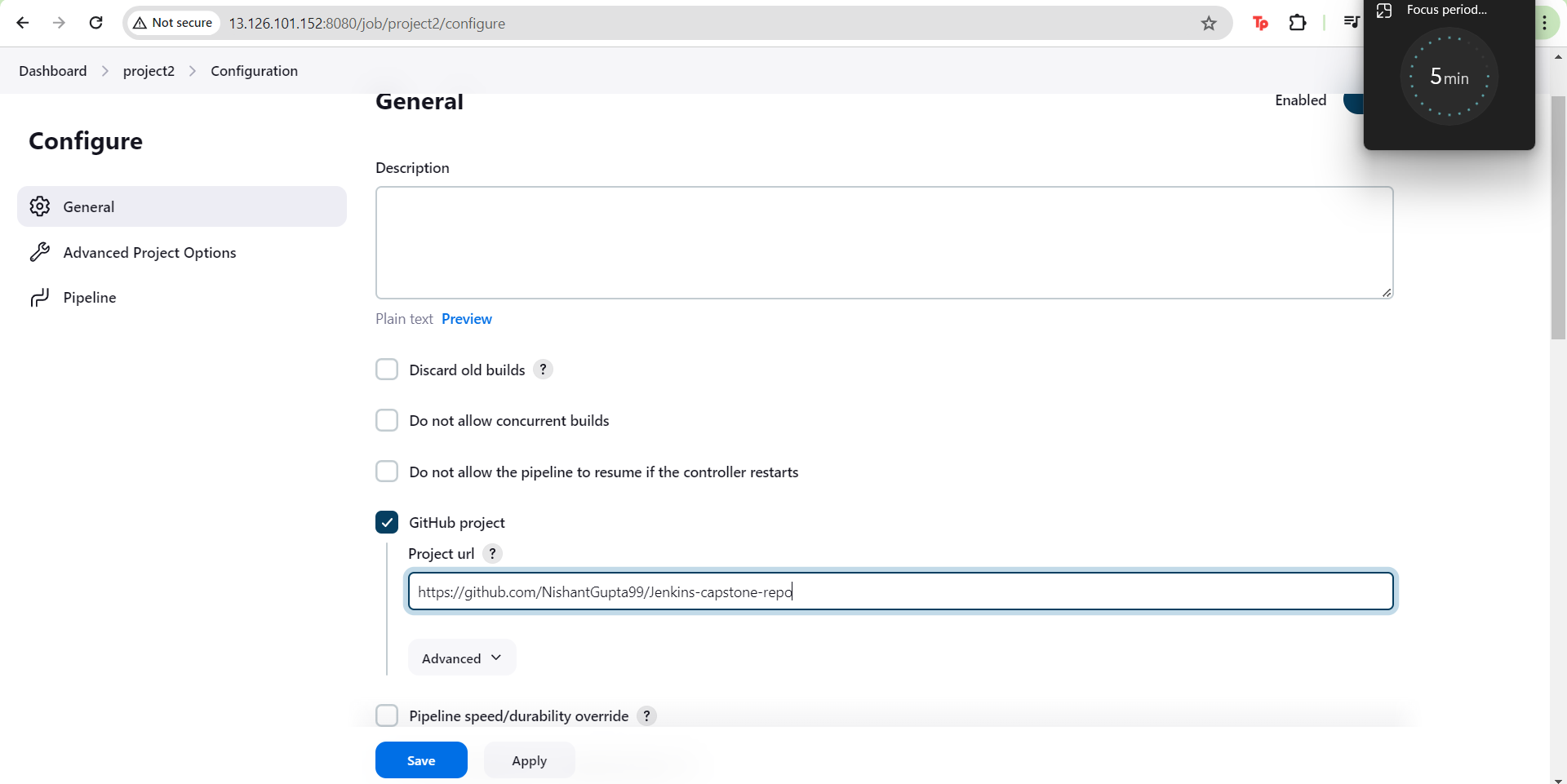
- Select the project type as a github project and add the repository link.
- In build triggers we need to specify build periodically for 25th day of every month
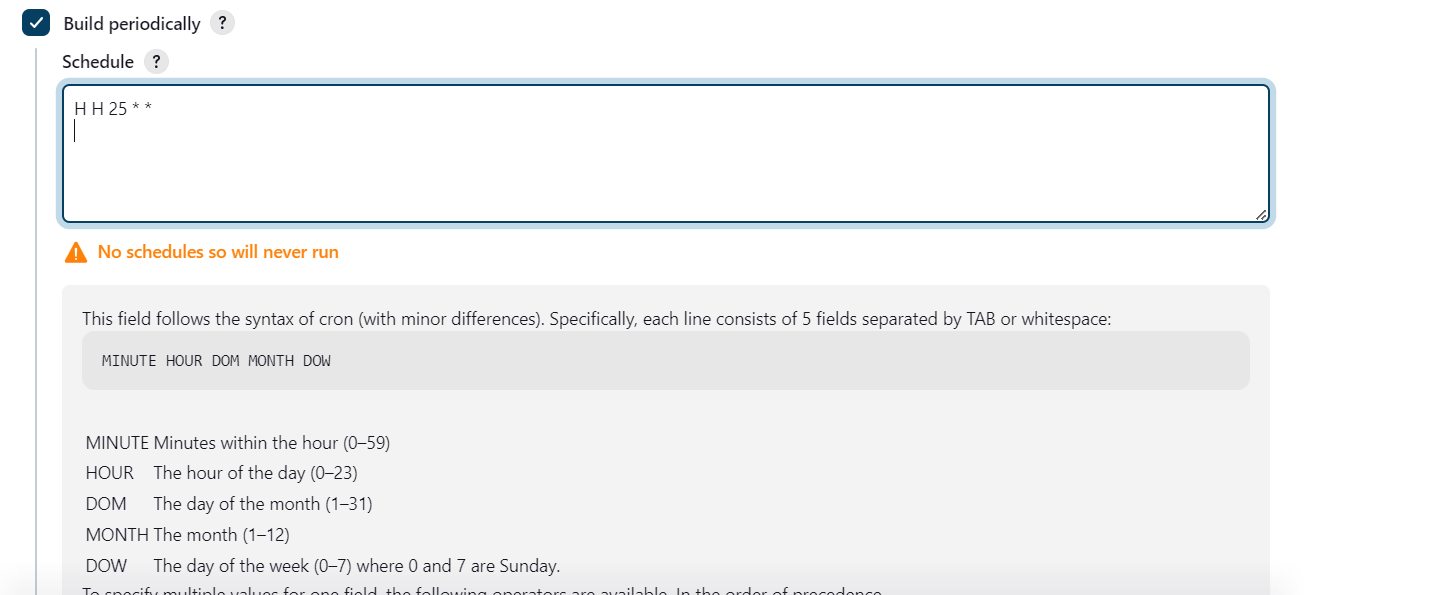
- We will also select GithubSCM polling.

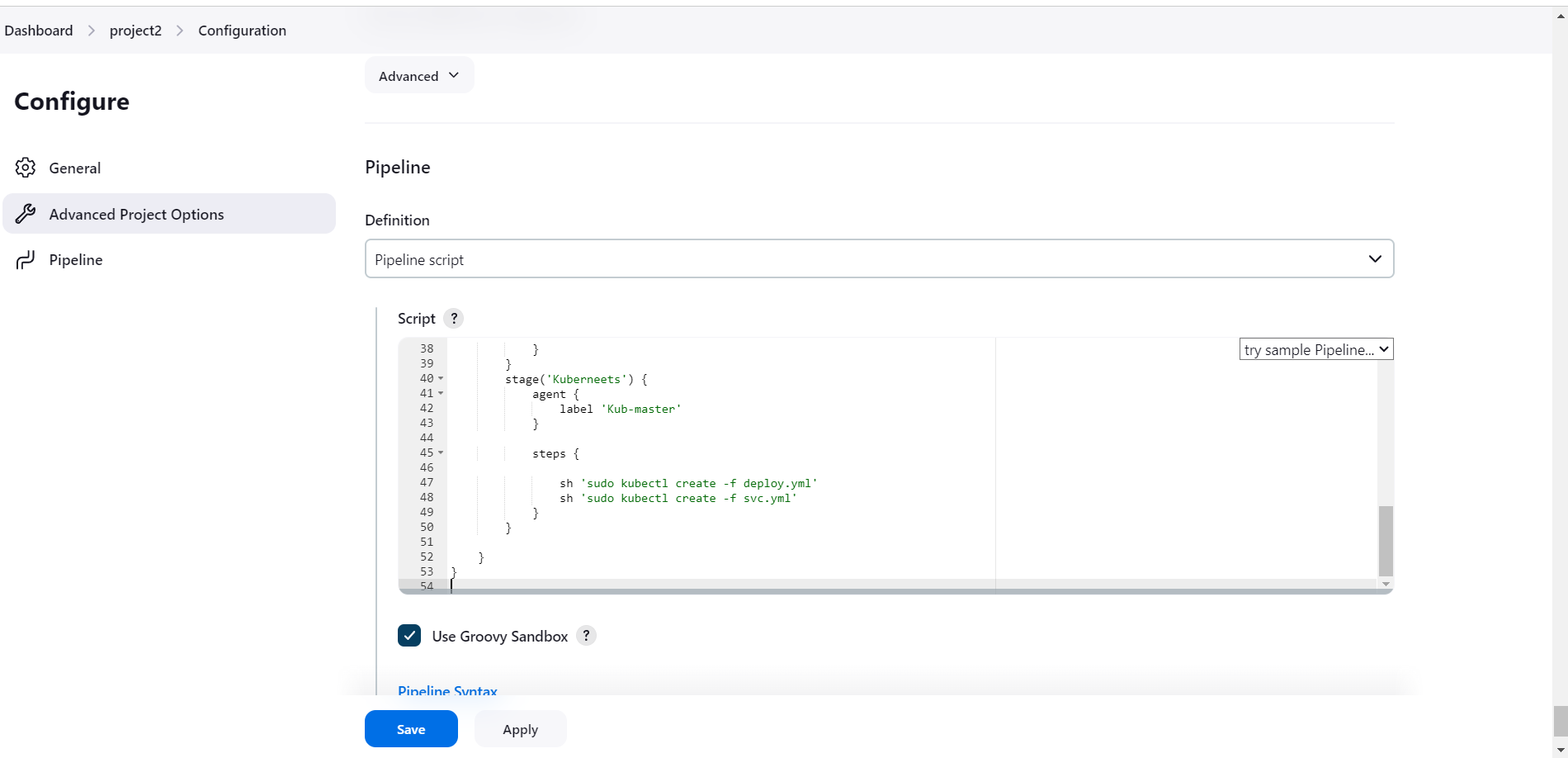
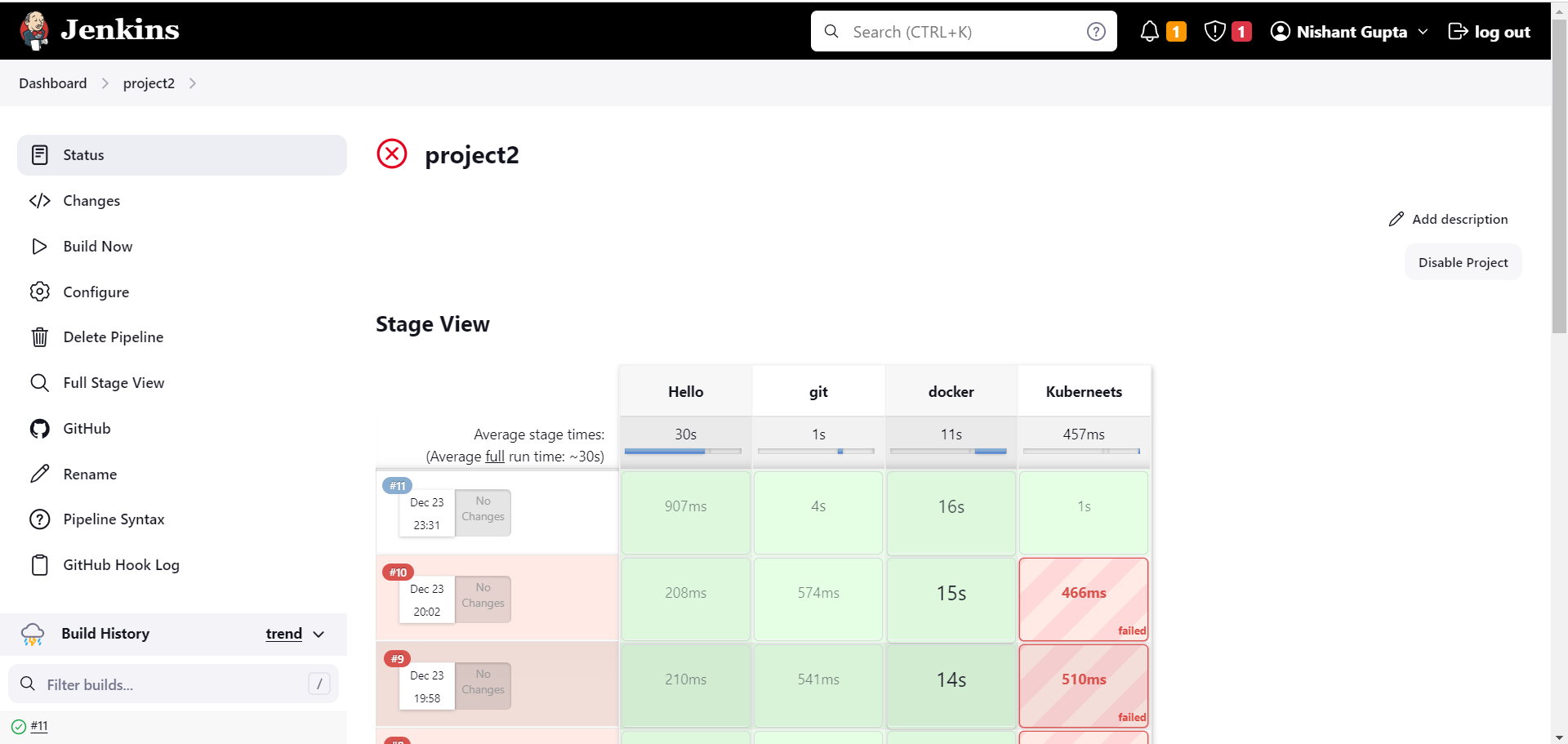
- In the pipeline script we will add the following script.
pipeline{
agent none
environment {
DOCKERHUB_CREDENTIALS=credentials('DOCKERHUB_CREDENTIALS')
}
stages{
stage('Hello'){
agent{
label 'Kub-master'
}
steps{
echo 'Hello World'
}
}
stage('git'){
agent{
label 'Kub-master'
}
steps{
git 'https://github.com/NishantGupta99/Jenkins-capstone-repo'
}
}
stage('docker') {
agent {
label 'Kub-master'
}
steps {
sh 'sudo docker build /home/ubuntu/jenkins/workspace/project2 -t ngofficial99/demo1'
sh 'sudo echo $DOCKERHUB_CREDENTIALS_PSW | sudo docker login -u $DOCKERHUB_CREDENTIALS_USR --password-stdin'
sh 'sudo docker push ngofficial99/demo1'
}
}
stage('Kuberneets') {
agent {
label 'Kub-master'
}
steps {
sh 'kubectl apply -f deploy.yml'
sh 'kubectl apply -f svc.yml'
}
}
}
}
-
Save and exit.
-
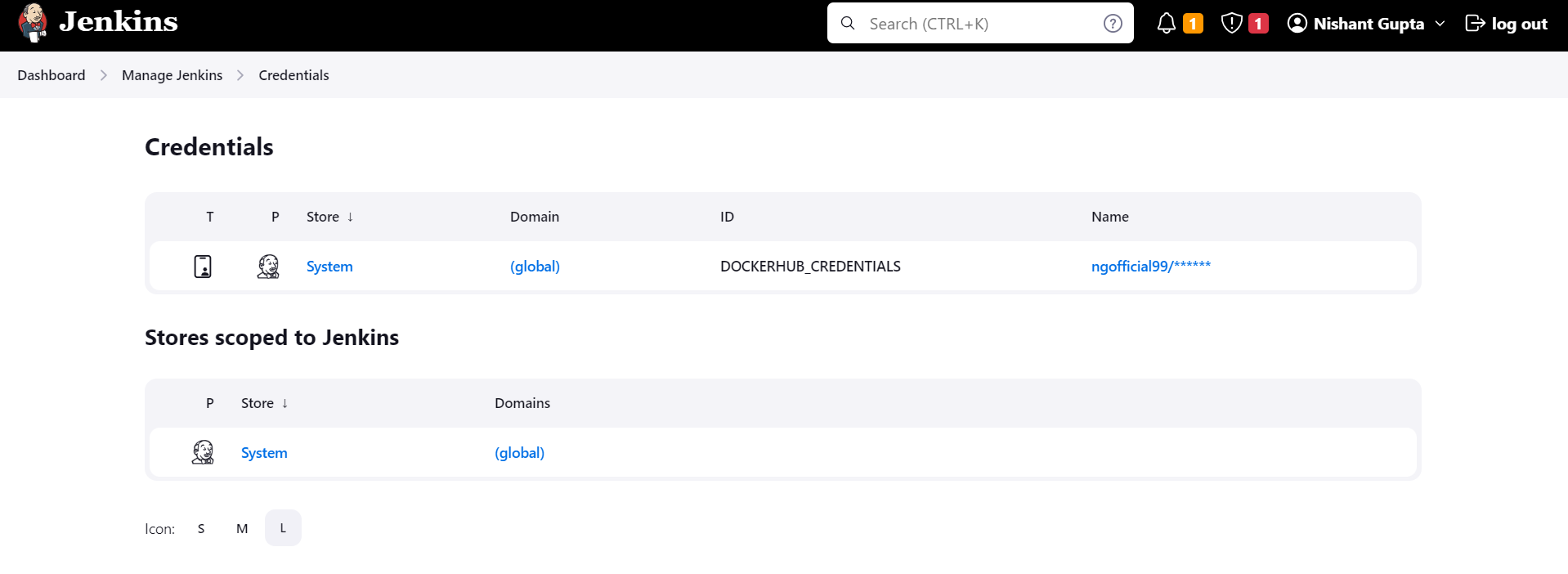
Setup the dockerhub credentials in the global credentials.
-
Now before we proceed we need to add the Kube-master as a jenkins node.
-
Go to manage jenkins and then nodes.
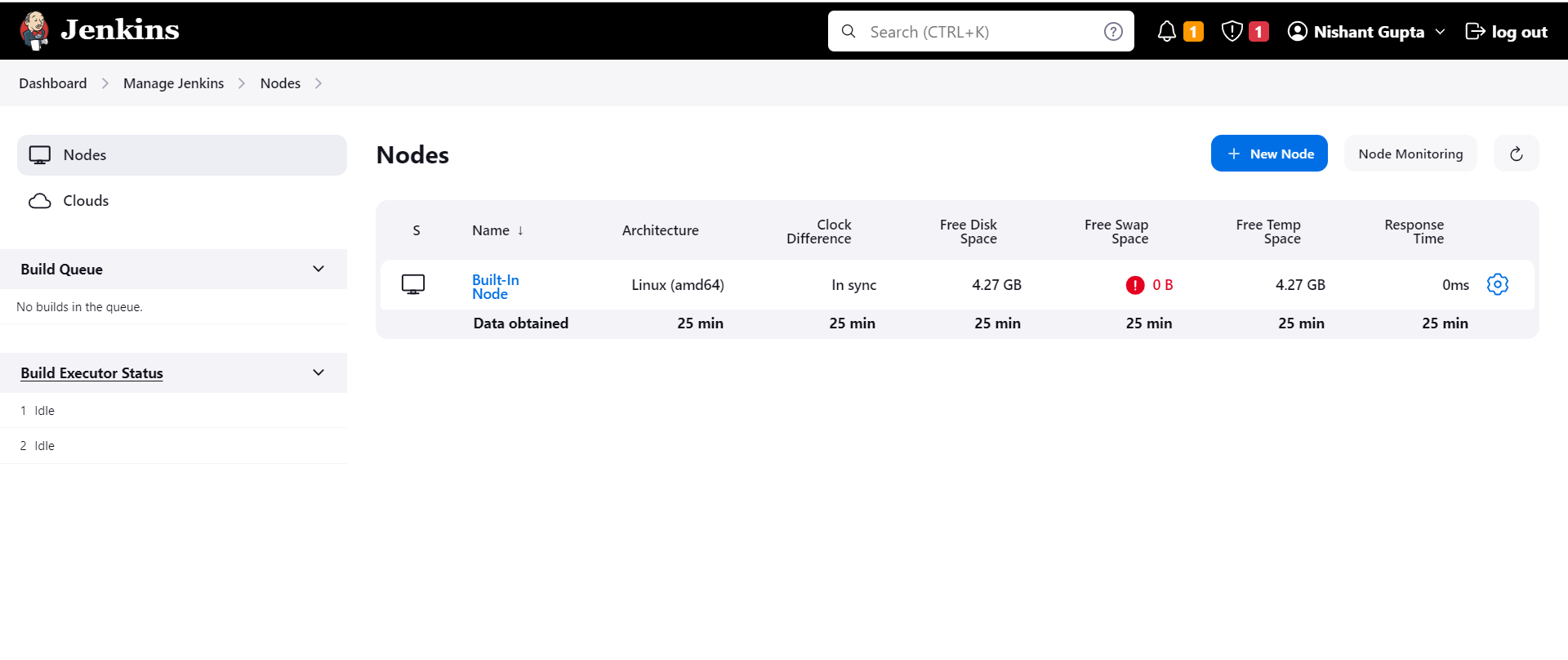
- Click on New node.
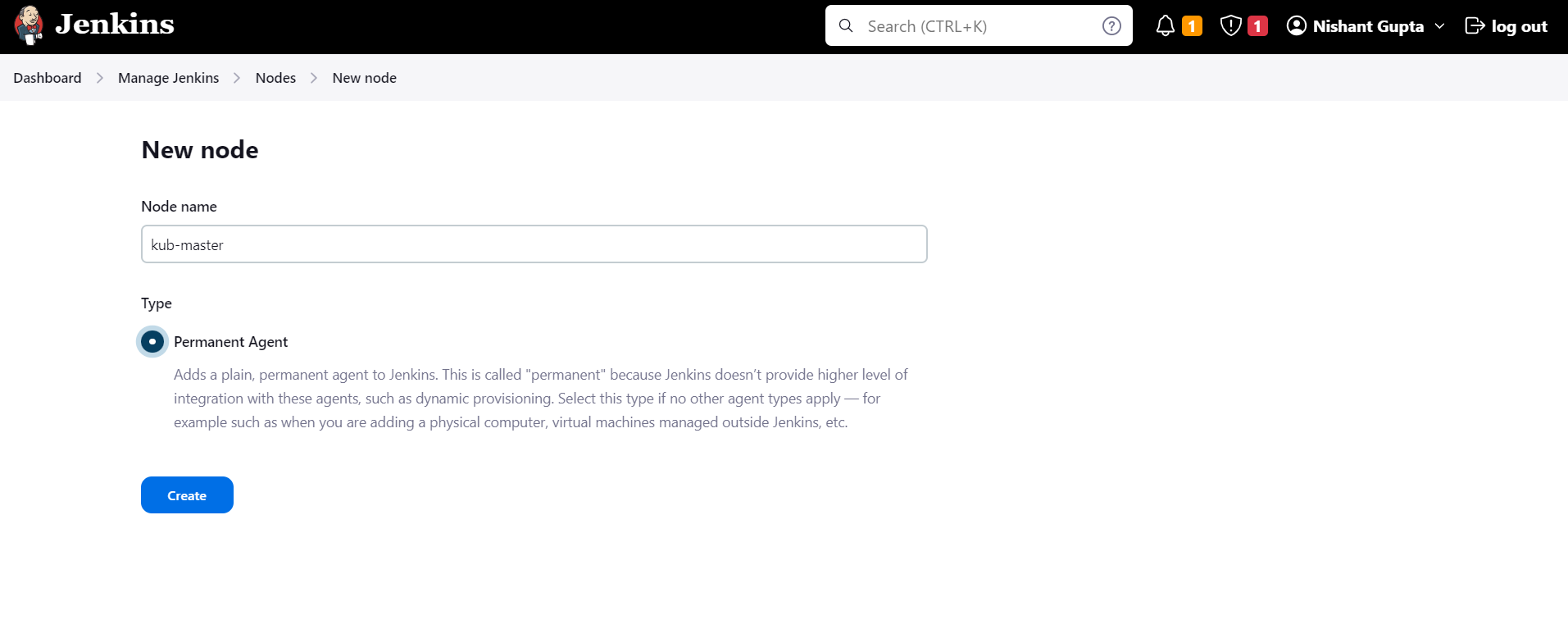
-
Select permanent agent and click on create.
-
Add the host and the credentials pem file
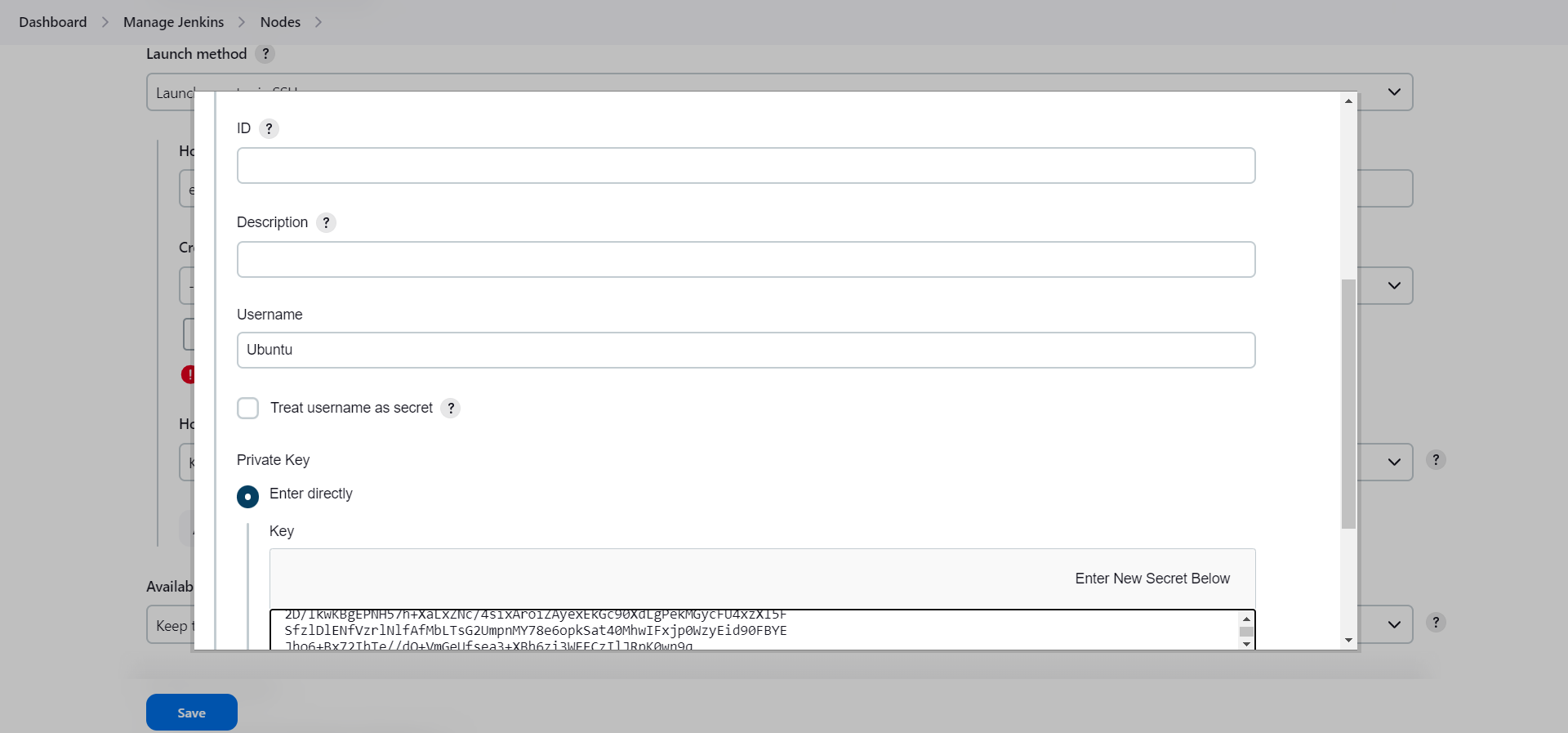
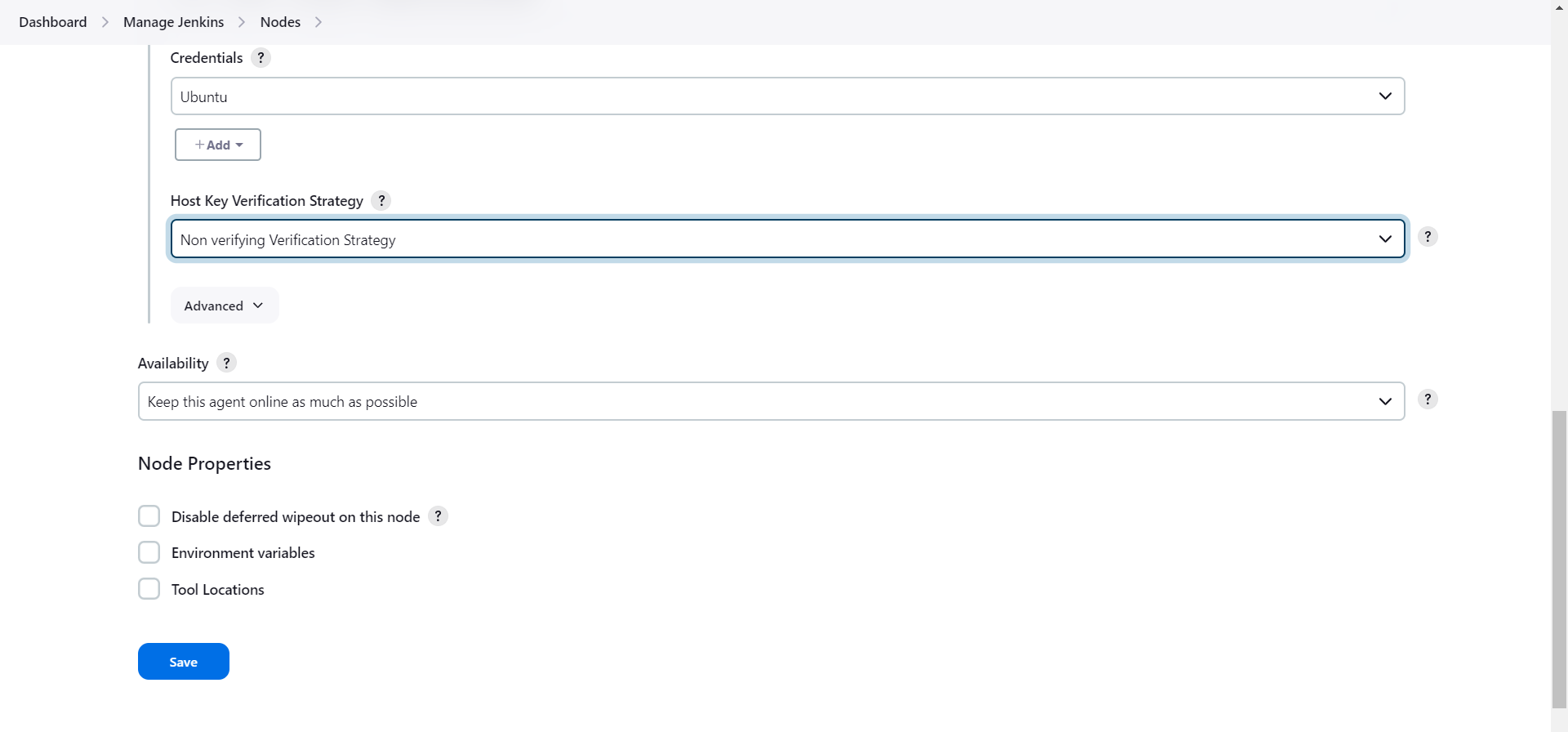
- Click on save.
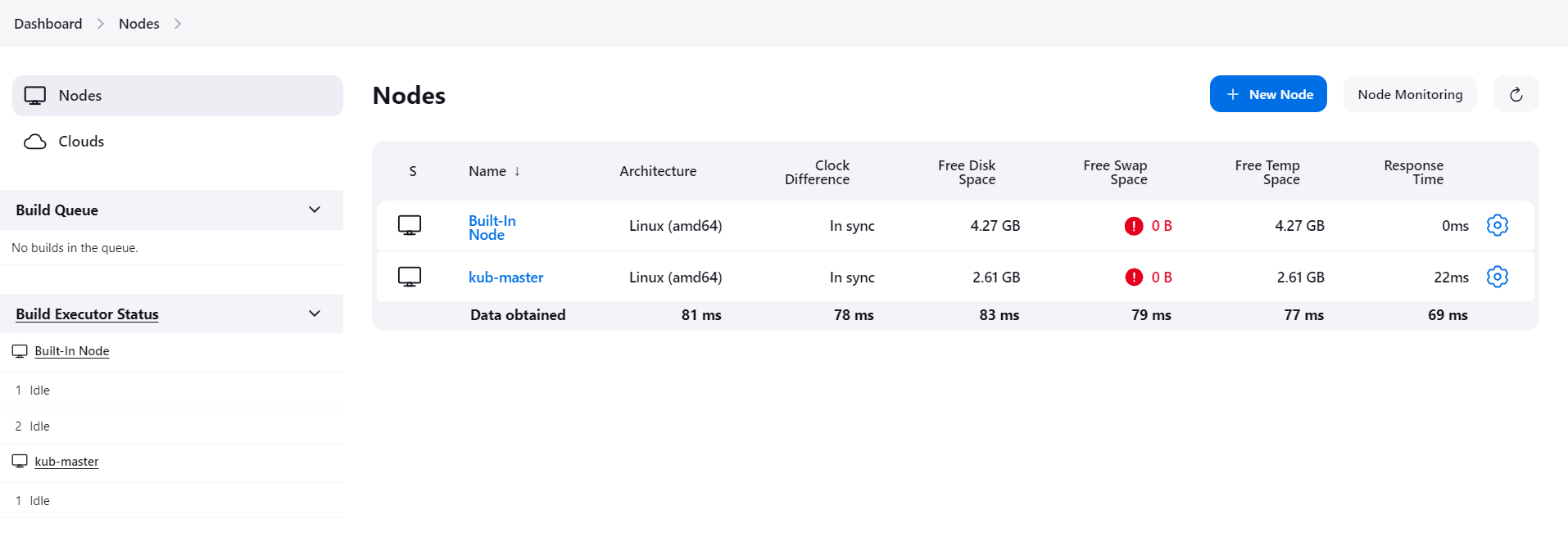
- Once the node has been added we will try to start the build.
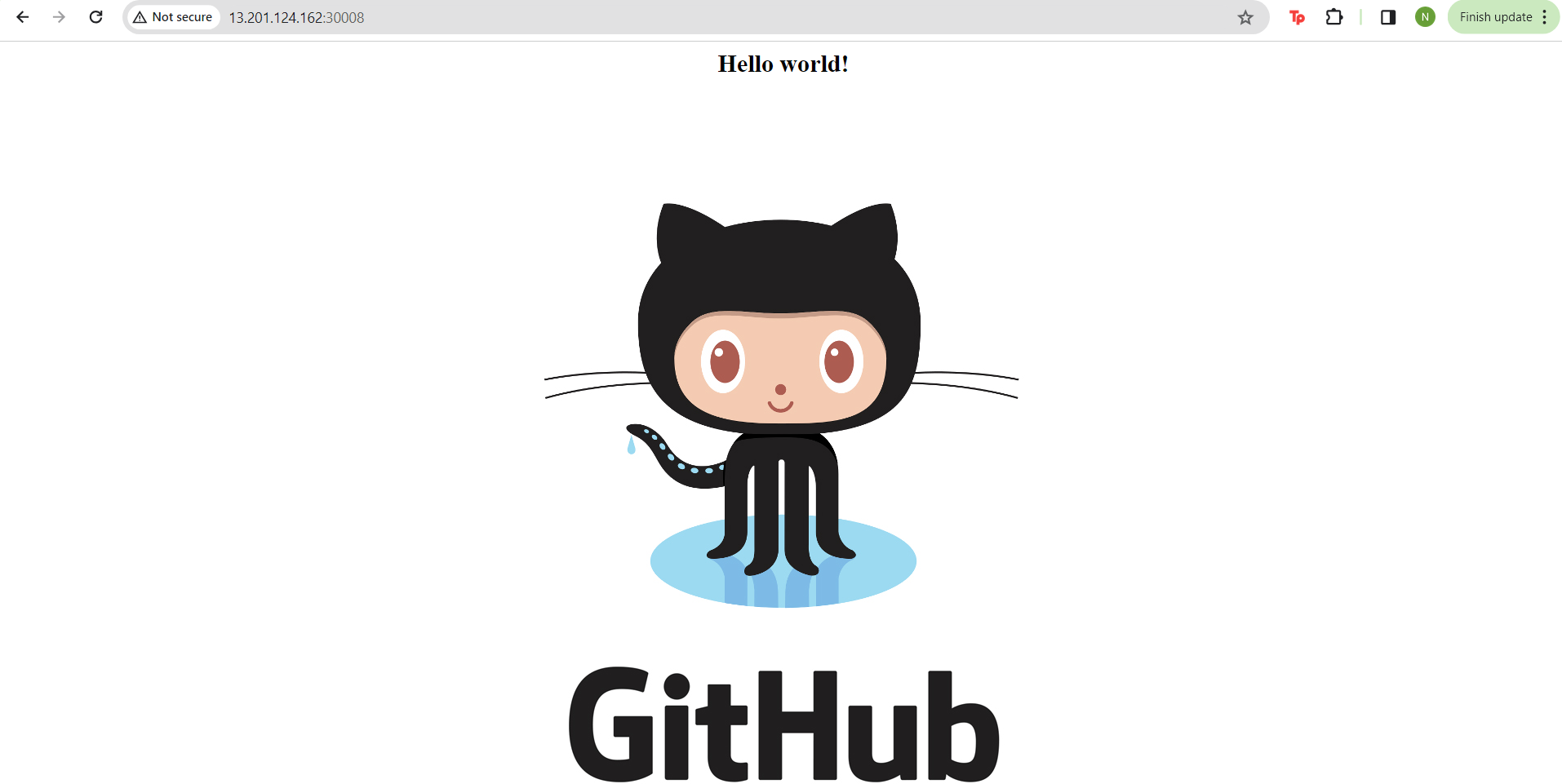
- Now we can go to the public IP of the Kubernetes cluster and the post 30008 to see the web page.
-
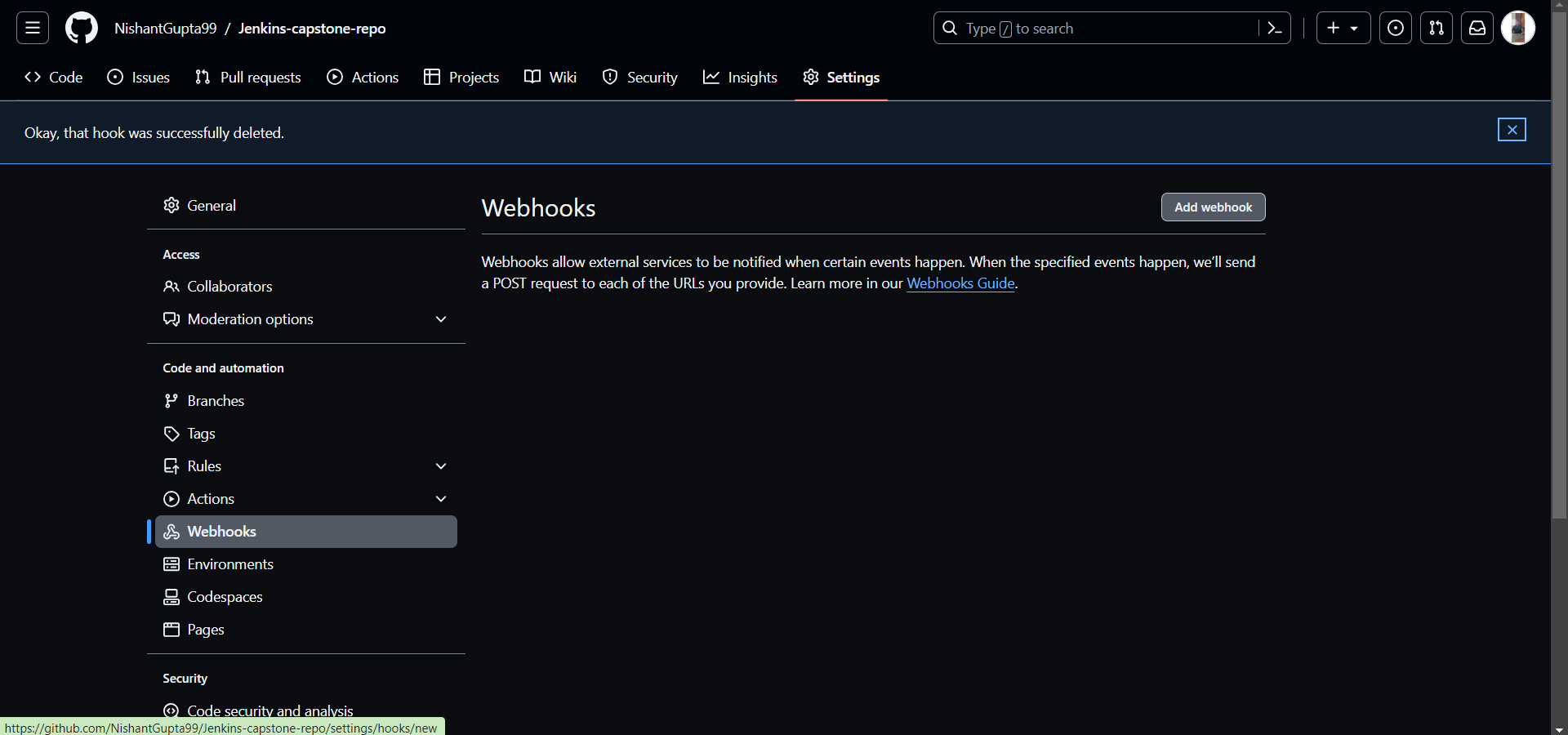
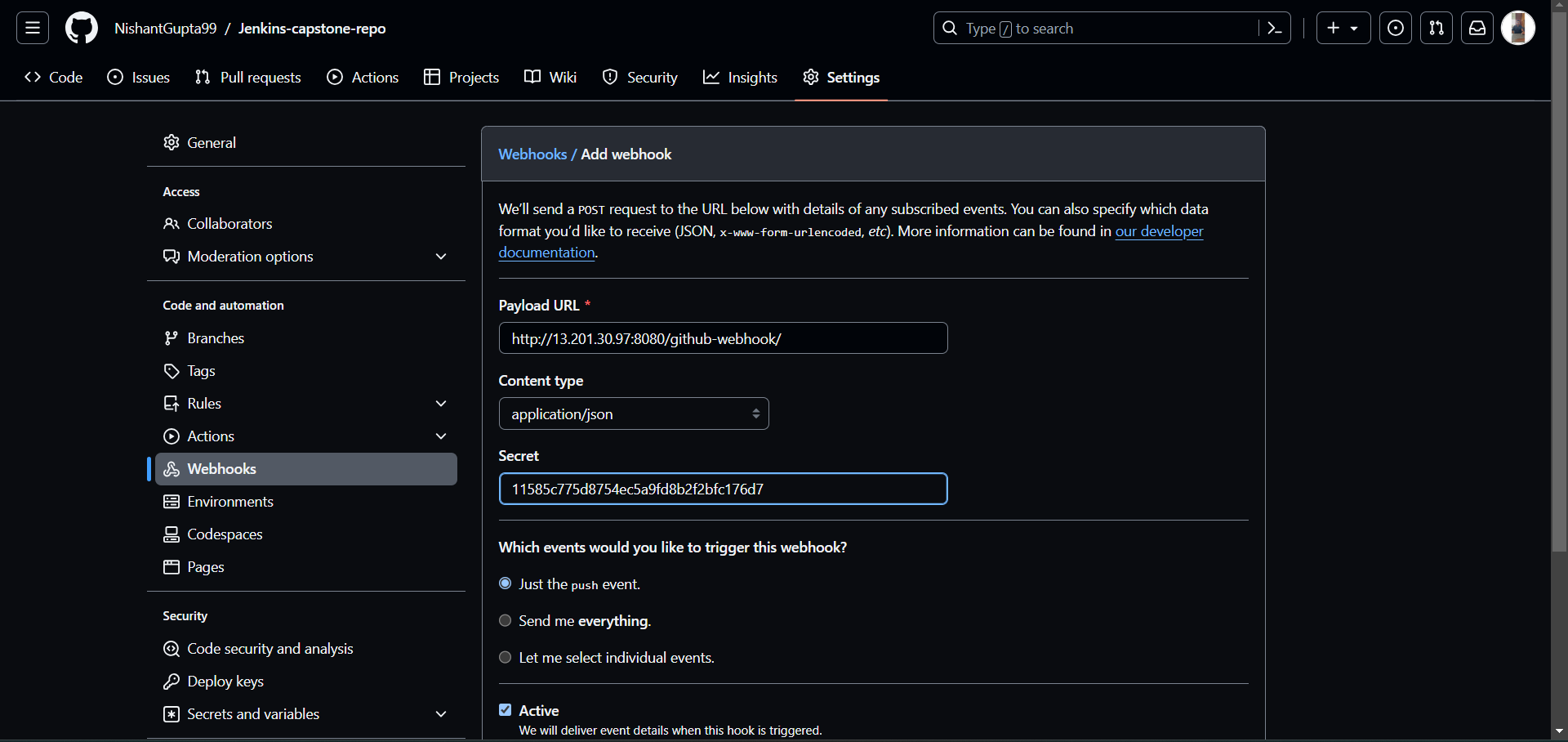
Finally we need to set the webhook so the build can take place every time there is a commit.
-
Go to the github repository and the repository settings.
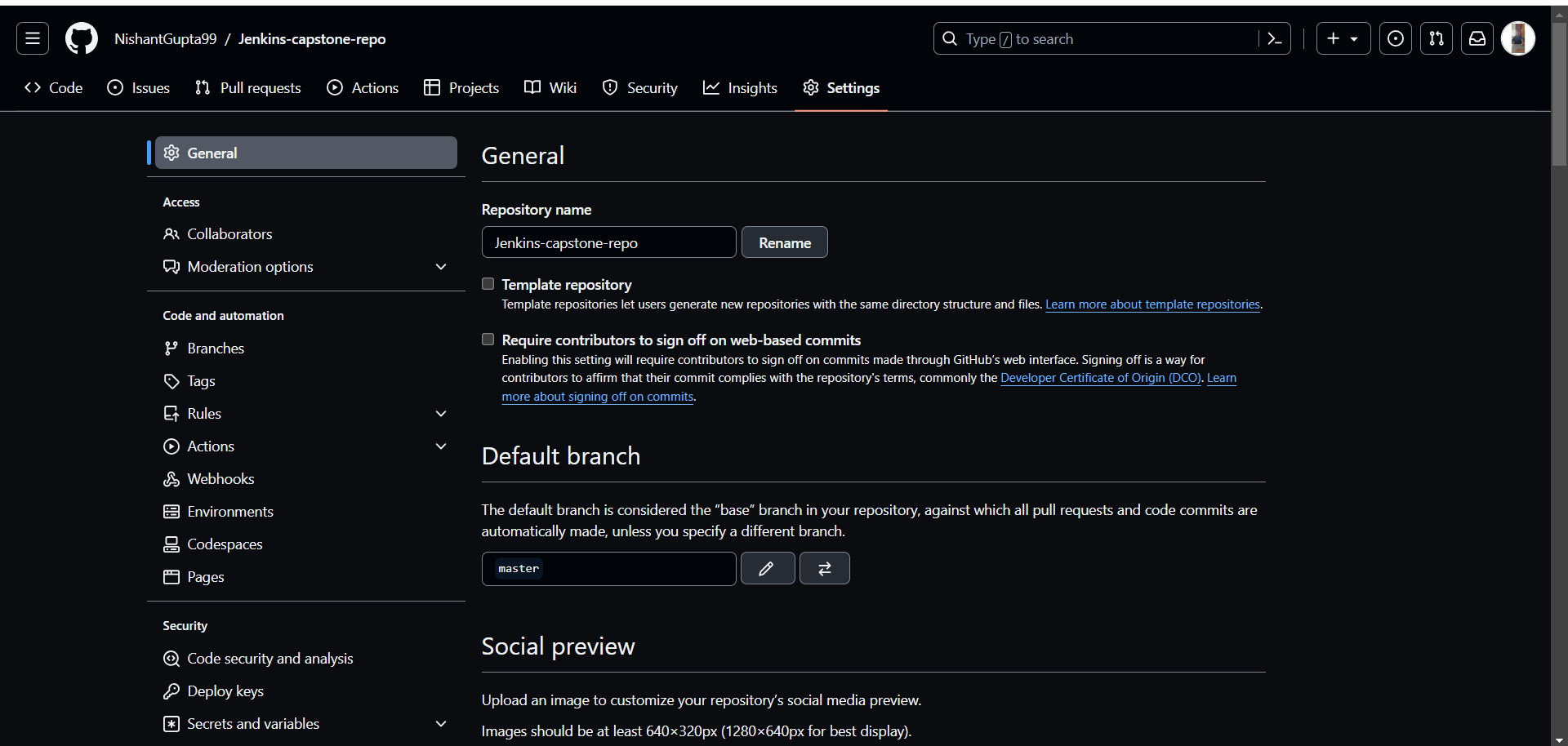
-
Click on add webhooks
-
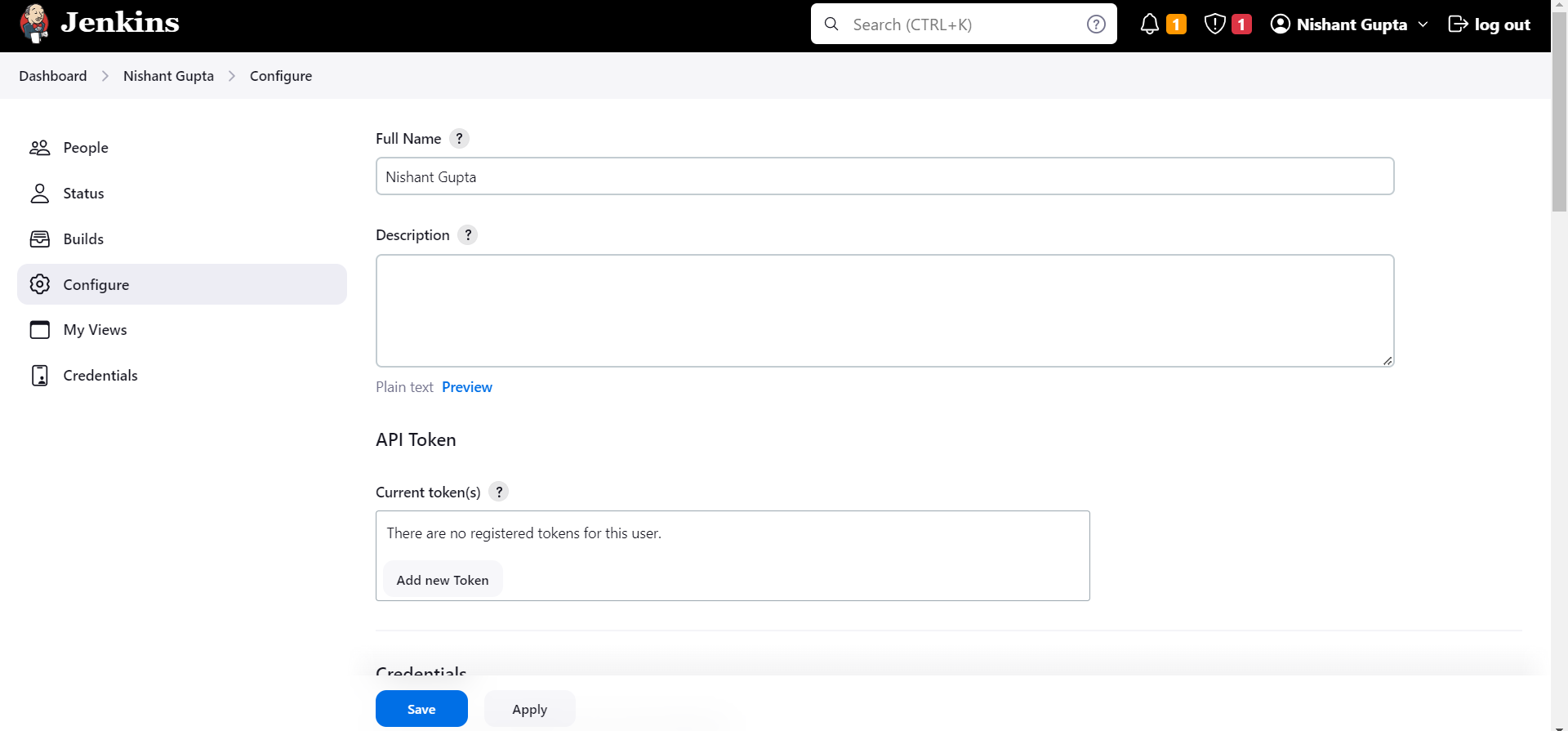
Create a jenkins user api token
- Configure the webhook.
- Webhook has been finally done.
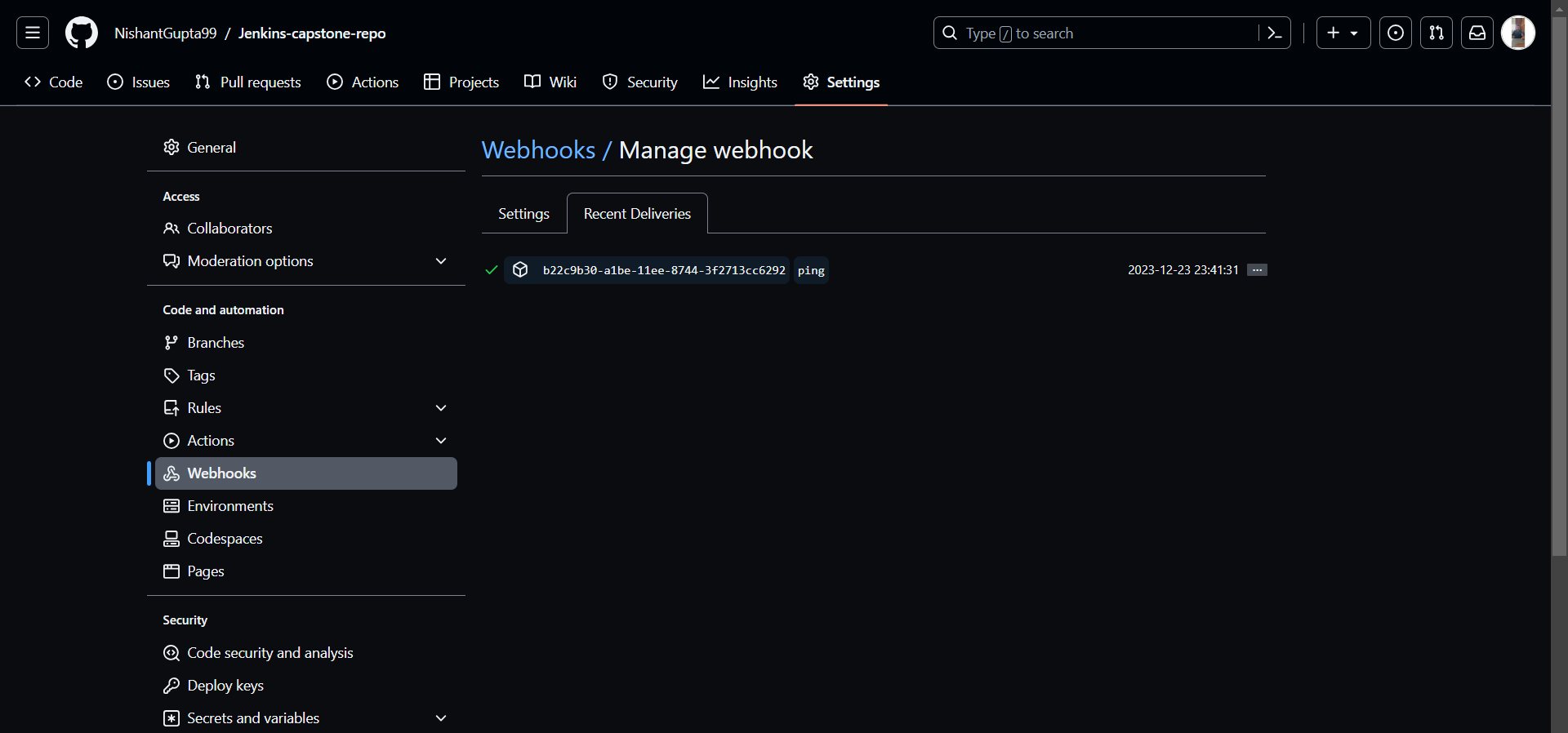
We have successfully completed the entire infrastructure.